
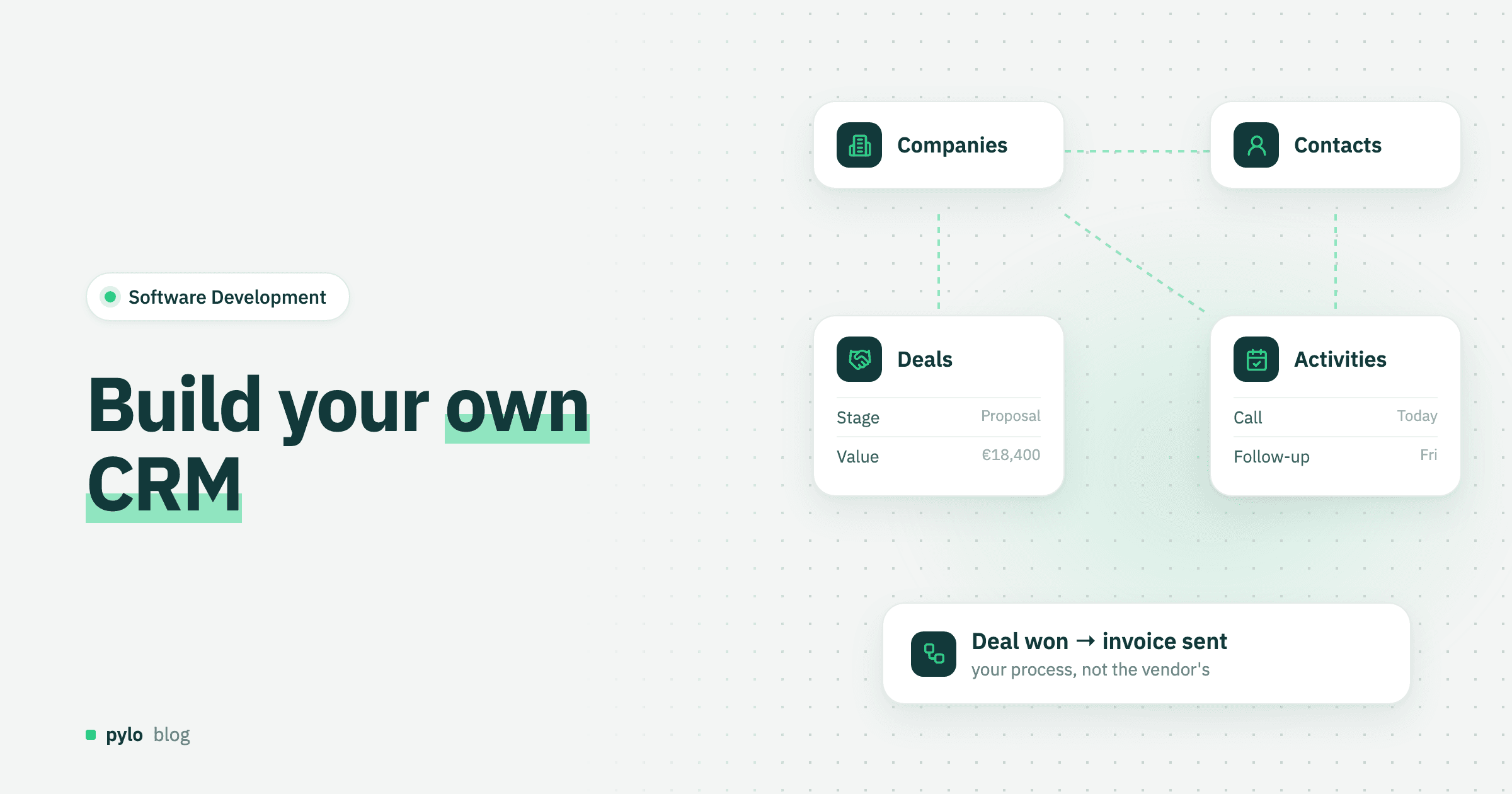
Most teams that decide to build their own CRM are not trying to beat Salesforce. They have a sales process that does not fit a standard pipeline, a CRM that does not talk to their orders or invoices, or a bill that grows with every new seat. This guide shows how to build a custom CRM that fits your process: the data model, the workflows, the three ways to build it and what it really costs. It also covers when you should not build one at all.
Should you build your own CRM?
A custom CRM makes sense when the CRM is tied to the rest of your business. Off-the-shelf tools are good at a generic sales funnel. They get awkward when a deal depends on things that live elsewhere: stock levels, production slots, project hours, contracts or service tickets.
Building is usually the right call if at least two of these apply:
Your sales process has steps a standard pipeline cannot model, for example technical approvals, sample shipments or tenders with several lots.
Sales data has to flow into other systems such as order management, invoicing or an ERP, and you are maintaining fragile sync scripts today.
You pay for 20 seats but use 10 percent of the features.
You want an AI agent to read and update customer data, and you need control over what it can touch.
Customer data must stay in a specific region or on infrastructure you choose.
Buy a standard CRM instead if your team sells in a classic B2B funnel, nobody owns the system internally, or you need marketing automation, email sequences and call recording out of the box, because rebuilding those features is rarely worth it. The general trade-offs are covered in our guide on build vs buy software.
Step 1: Define the data model
Every CRM is a handful of related tables. Get these right and the rest is interface and automation. Most B2B teams can start with these five most important entities:
Entity | Key fields | Relations |
Company | name, industry, website, owner | has many contacts, deals |
Contact | name, email, phone, role | belongs to a company |
Deal | title, value, expected close date | belongs to a company and a stage |
Pipeline stage | name, order, win probability | has many deals |
Activity | type, due date, done, notes | linked to a contact and/or deal |
A few decisions save you pain later:
Make pipeline stages a table, not just a textfield. Then sales managers can add or reorder stages without a developer, and you can store a win probability per stage for forecasting.
Store activities as records. A notes field on the contact turns into an unsearchable wall of text within months. Separate records give you due dates, reminders and a timeline.
Give every record an owner. Permissions, reminders and reporting all depend on it.
Add custom fields only when someone uses them. A CRM with 60 fields per contact is how the old system got abandoned.
Start small and extend it if needed: if your deals turn into orders, add an Order entity now and link it to Deal. That single relation or similar constraints are often the reason to build a custom CRM in the first place.
Step 2: Map your sales process to workflows
The data model stores what happened, on top of that workflows make things happen without someone remembering to do them. Write down your process as "when X, then Y" rules before you build anything:
When a web form is submitted, create a contact and company, and assign an owner by region.
When a deal moves to "Won", create the order and send the invoice.
When a deal has no activity for 14 days, remind the owner.
When a deal over €50,000 reaches "Proposal", ask the head of sales for approval.
Every Monday at 8:00, send each rep a list of deals closing this month.
These rules have three kinds of triggers: a record changes, a schedule fires, or an outside system calls in and then they talk to other systems (e.g. your shop system or a ticketing system).
Step 3: Pick how you will build it
There are three realistic ways to build a CRM yourself. They differ mainly in how much you control and how much engineering time you are able and willing to spend.
No-code app builder. A spreadsheet-style database plus an interface tool. You can have a working pipeline in an afternoon, but the limits show up fast, when you hit complex permissions, larger data volumes and integrations that need real logic. Good for a small team with a simple process, but when you scale, it will be the next system you abandon. Our low code no code guide covers where these tools fit.
Backend platform. You define the data model and workflows, the platform gives you the database, API, auth and automation engine, and you build the interface you want on top, or use a generated admin view. This is the middle ground for teams with a custom process and at least one developer. With our own backend as a service platform pylo you get the best of both worlds, because your developers can build features faster than ever, while we handle the infrastructure, speed, security and performance.
From scratch. Your own database, API, authentication, roles, import, audit log and UI. Full control, but most of the hours go into plumbing that every app needs and that does not set your CRM apart. For most companies, this way is overkill.
Step 4: Build the interfaces your team needs
Sales reps need fewer screens than you think. Start with four:
Pipeline board. Deals as cards grouped by stage, drag to move. This is where reps live.
Company page. Contacts, open deals, past orders and the activity timeline in one place.
My tasks. Open activities for the logged-in user, sorted by due date.
Forecast. Deal value times stage probability, grouped by month and owner.
Add lead capture forms that write straight into the Contact and Company tables, so leads never pass through someone's inbox.
Step 5: Import your data and go live
Export companies, contacts and deals from your current tool or spreadsheets as CSV. Import companies first, then contacts and deals that reference them. Clean duplicates before the import, not after. If your current CRM is a spreadsheet, our guide on moving from Excel to a database walks through the cleanup step by step.
Run old and new side by side for two weeks at most. Longer than that and people keep updating the old system.
Can you build your own CRM with AI?
Yes, and it changes two things: first, AI coding tools can generate the interface quickly from a description, which may work well once the data model and API exist, and poorly when the AI also invents the database. See what vibe coding is for the strengths and the risks.
Second, an AI agent can work inside the CRM: log a call summary, update a deal stage after an email, or draft a follow-up. To do that safely, the agent needs structured access to your data with clear limits. The standard way to connect agents to business systems is an MCP server, explained in what is an MCP server. A good setup lets the agent read freely but turns its writes into requests a human approves, like we do for LLM requests within pylo. For the agent side, read how to build an AI agent.
How much does it cost to build a CRM?
Compare three-year costs, not monthly prices. A rough model for a team of 10 users:
Option | Upfront | Ongoing | 3-year estimate |
Standard CRM at €100 per user per month | Setup and training | €12,000 per year in licenses | €36,000 plus integrations |
Custom CRM on a backend platform | 80 to 200 developer hours | Platform fee plus a few hours a month | Depends on your rate. At €90 per hour, €7,000 to €18,000 to build |
Custom CRM from scratch | 300 to 600+ developer hours | Hosting, security updates, maintenance | €27,000 to €54,000 to build, plus upkeep |
The hour ranges are our estimates for a CRM with the five entities above, roles, a pipeline board, import and three to five workflows. Plug in your own rates to achieve the real numbers for your team. The number people forget is maintenance, someone has to own the system after launch, whichever option you pick and the more you want to reinvent the wheel, the more moving parts you have to take care of.
Common mistakes when building a custom CRM
Copying every feature of the old tool. Start with the process you have today, that you are really using and what they might be missing, not the feature list of the tool you are leaving.
No owner. A custom CRM without a person responsible for it decays within a year, which is true for any new system.
Skipping permissions. Decide early who sees which deals, retrofitting access rules is painful and can lead to data breaches.
Free-text everything. Industries, lost reasons and lead sources should be fixed values, otherwise reports are useless and data gets flooded with duplicates.
Building email marketing. Integrate a newsletter tool instead, there are plenty to choose from, the infrastructure of reliably sending mass mails is hard and almost any feature you can think of has already been build.
Conclusion
Building your own CRM is less about software and more about writing down how your team sells. Model your five most important entities, turn your process into "when X, then Y" rules, and pick the build approach that matches your team. Keep standard tools for the parts that are standard. If your CRM needs to talk to orders, invoices or production, that connection is where a custom build pays off. The same thinking applies one level up when you build a custom ERP and for any other kind of complex custom made system.
If you want the middle path, pylo gives you custom data models with relations, a generated GraphQL API, typesafe SDKs, auth, forms, CSV import and visual workflows, plus an MCP server so AI agents can work with your CRM data under human approval. Compare it as an Airtable alternative or a Notion alternative if that is what your team uses today.
Keep reading
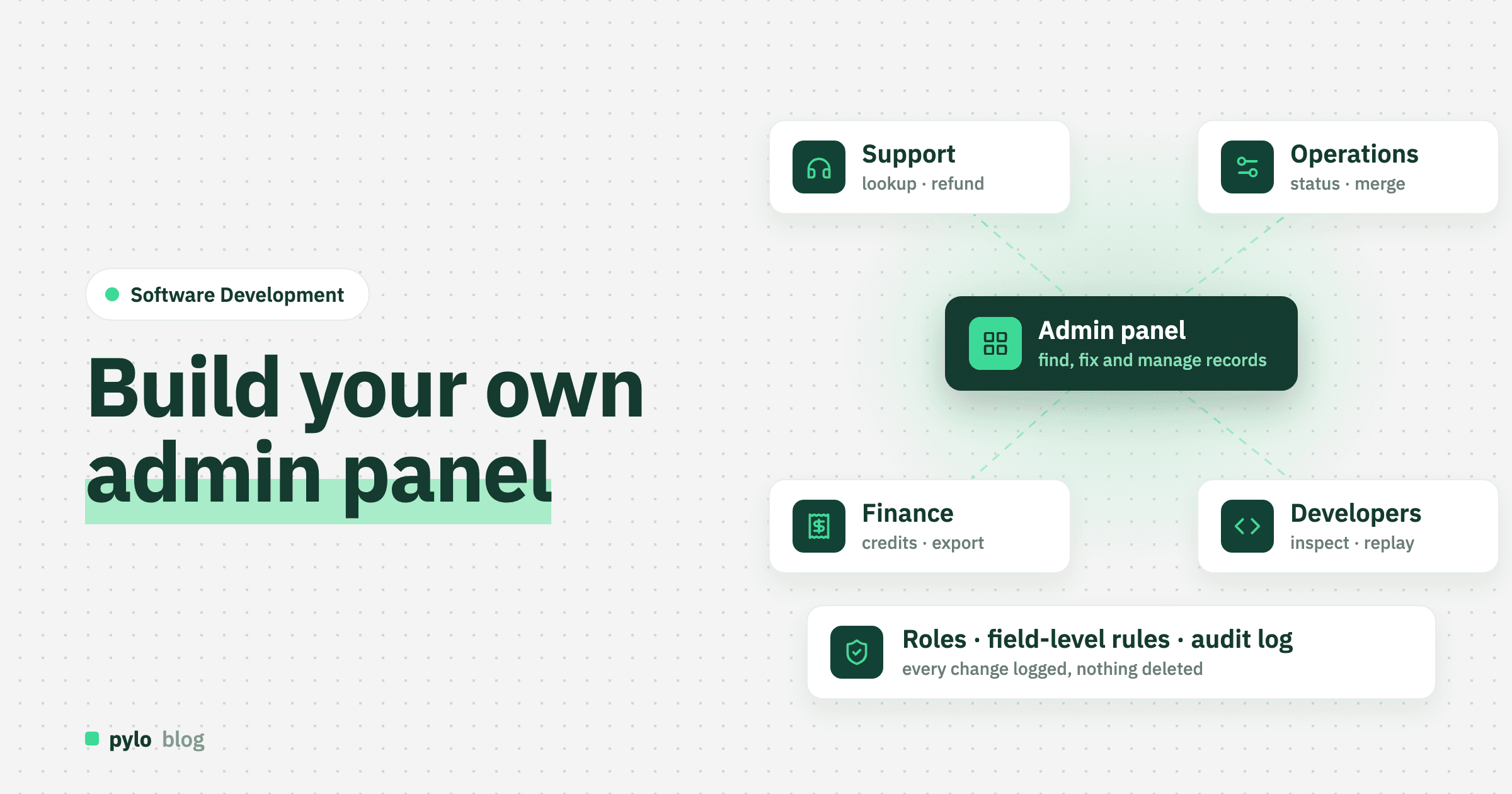
Software Development
How to build an admin panel: data model, permissions and four ways to do it
An admin panel is the screen your team uses to find, fix and manage records in your product's database. What belongs in one, the permissions and audit trail it needs, the screens, the actions that make it useful, four ways to build it and what each costs over three years.
Read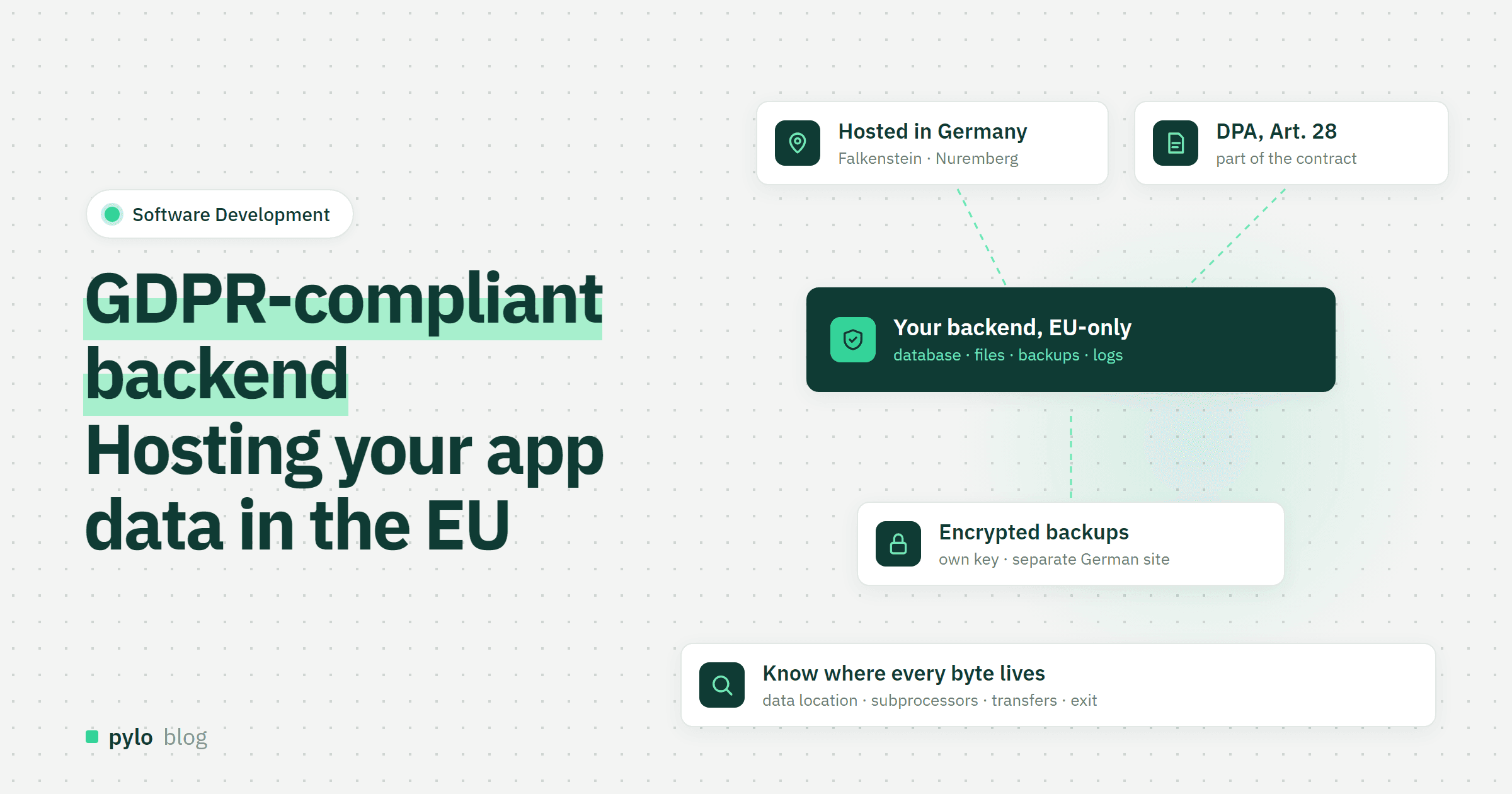
Software Development
GDPR-compliant backend: how to host app data in the EU and choose the right provider
Where your app data lives decides how much GDPR work you have. What a GDPR-compliant backend needs, why an EU region alone is not always enough, what to check when you choose a provider and how pylo hosts your data in Germany.
Read