
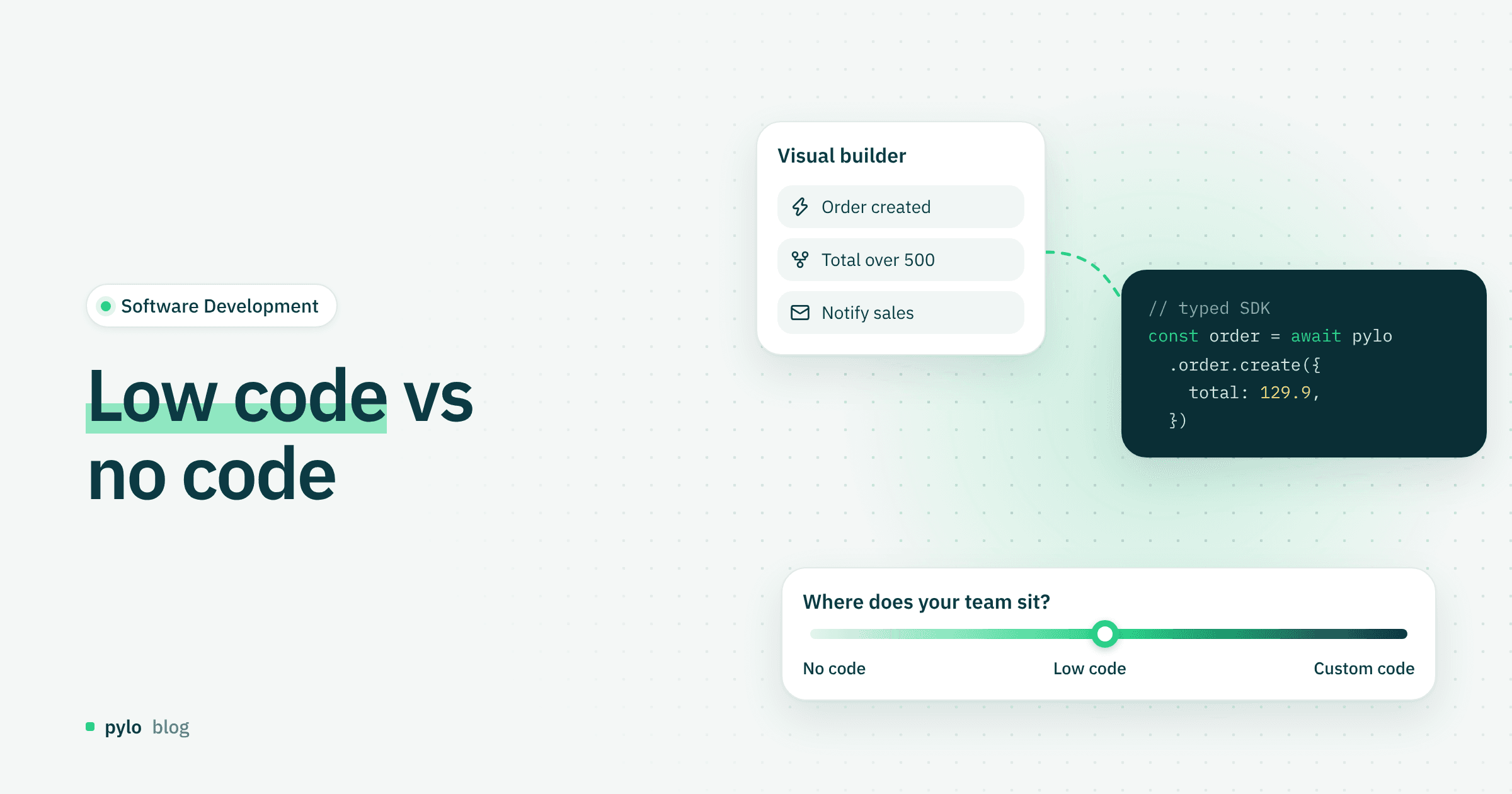
Digital transformation has been a familiar term for years, and it comes up whenever markets shift quickly. Low-code no-code platforms now play a bigger part in it than before, because they change how software gets built. But what do the terms actually mean? This post gives you a compact overview of low-code and no-code platforms and compares them with established development methods.
What does low-code no-code mean?
Low-code describes a development platform that lets you build applications with minimal programming. Developers use prebuilt modules, drag-and-drop interfaces and visual workflows to ship working software quickly.
No-code is aimed at people with no programming knowledge at all. Visual tools, templates and automations make building software simple and fast, so business users can create applications on their own.
Use cases for companies
Digital workflows: automating processes, HR tasks such as vacation requests, or invoice approvals
Internal tools: dashboards, database frontends or CRM extensions
Customer-facing applications: web apps, booking systems or chatbots
Rapid prototyping: building working prototypes quickly before moving them into custom software
Workflows like an invoice approval are a typical case for visual automation. In pylo, Flows are built in a visual editor and run when data changes, on a schedule or when a webhook arrives.
Too good to be true? Opportunities and risks
Opportunities:
Speed: applications can often be built in days instead of weeks
Lower cost: fewer developer resources needed
Agility: changes and updates can be made quickly
Involvement of business teams: business teams can take an active part in building software
Risks:
Security risks: less control over the code can lead to vulnerabilities
Complexity: large, complex applications hit limits quickly
Vendor lock-in: dependence on the platform
Maintainability: changes outside the platform can be difficult
Do not underestimate these risks. As with vibe coding, security review and its challenges deserve particular attention.
Low-code vs no-code compared
Feature | Low-code | No-code |
Target group | Developers, IT departments | Business users |
Programming knowledge | Partly required | Not required |
Flexibility | High, extensible | Limited, prebuilt |
Development time | Fast | Very fast |
Complexity | Suited to more complex solutions | Better for simple applications |
Customizability | High | Limited |
Custom software (custom code)
Low-code and no-code focus on speed and simplicity. A custom software solution gives you maximum flexibility instead. Every line of code is written for the company's specific requirements, so individual features and complex integrations can be built exactly as needed in close collaboration. You also keep full control over security and scalability. On the other hand, custom code usually costs more and takes longer, and maintenance needs one or more qualified developers. The approach pays off mainly when standard solutions are not enough or when you need high adaptability and room to innovate over the long term.
Custom code vs low-code and no-code platforms
Feature | Custom code | Low-code / no-code |
Flexibility | Very high | Limited |
Development effort | High | Low |
Cost | High | Low to medium |
Development time | Weeks to months | Days to weeks |
Maintenance and scaling | Fully under your control | Depends on the vendor |
Innovation and creativity | Fully possible | Limited to templates |
The choice does not have to be all or nothing. A backend platform can sit between the two: you configure data models and workflows visually, and your developers work against a typed GraphQL API and SDKs in real code. If you are weighing internal tool builders or spreadsheet databases, see how pylo compares as a Retool alternative or an Airtable alternative.
Conclusion
Low-code and no-code platforms are tools for building applications quickly, at low cost and with room to adapt. Among other things, they let companies digitize processes fast and act more independently. For complex, highly individual requirements, custom software remains the best option. There, companies can design features, integrations and security standards exactly to their needs.
If you want visual configuration and real code in the same project, pylo gives you custom data models with a generated GraphQL API, typesafe SDKs, auth and visual workflows, made in Germany.
Keep reading
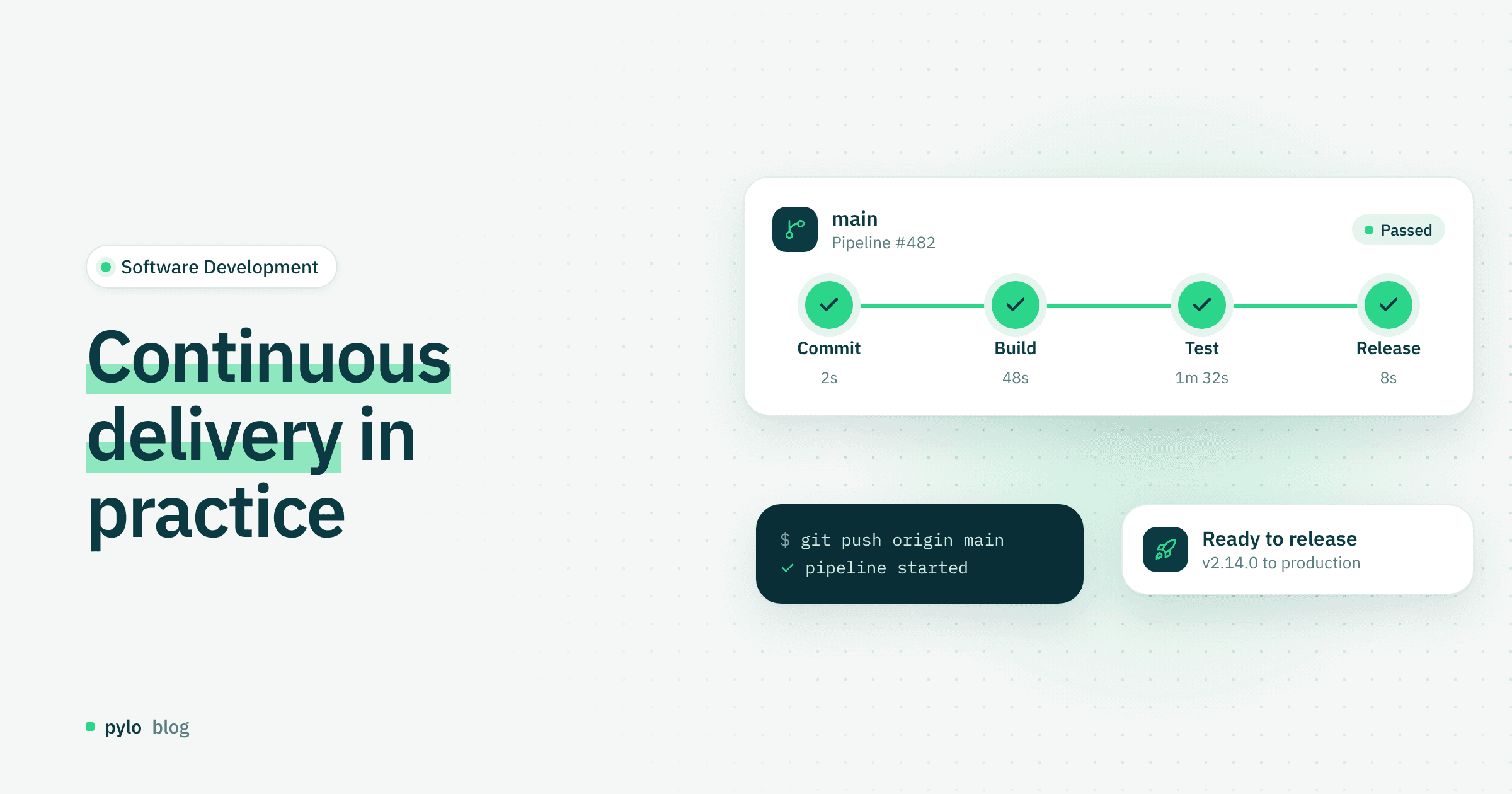
Software Development
Continuous delivery: definition, best practices and tools
What is continuous delivery, and why does it matter for modern software development?
Read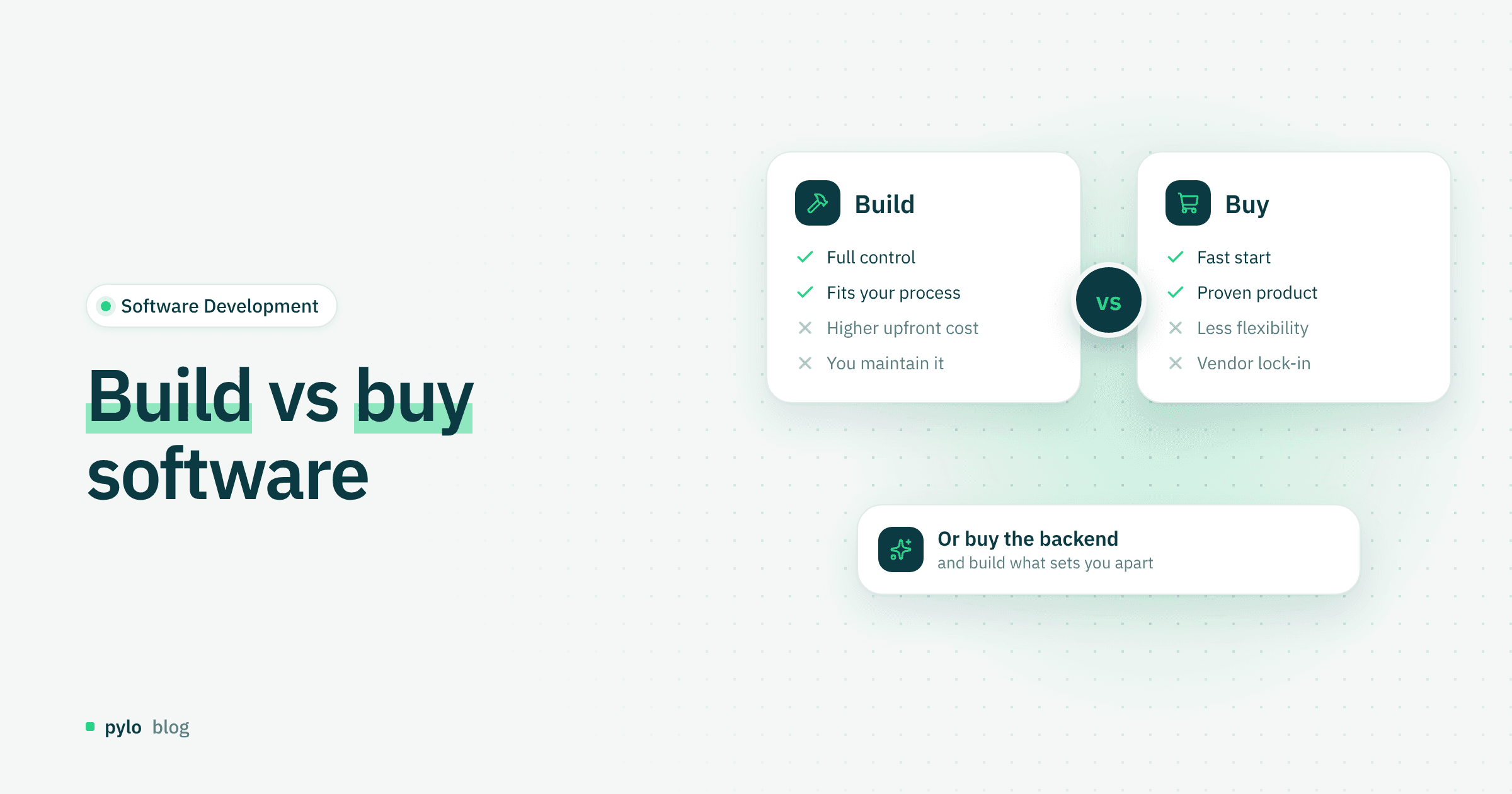
Software Development
Build vs buy software: how to make the right decision
Build or buy? Companies often have to decide whether to develop software themselves or purchase a finished solution. Learn when building is the better choice and when buying makes more strategic sense.
Read