
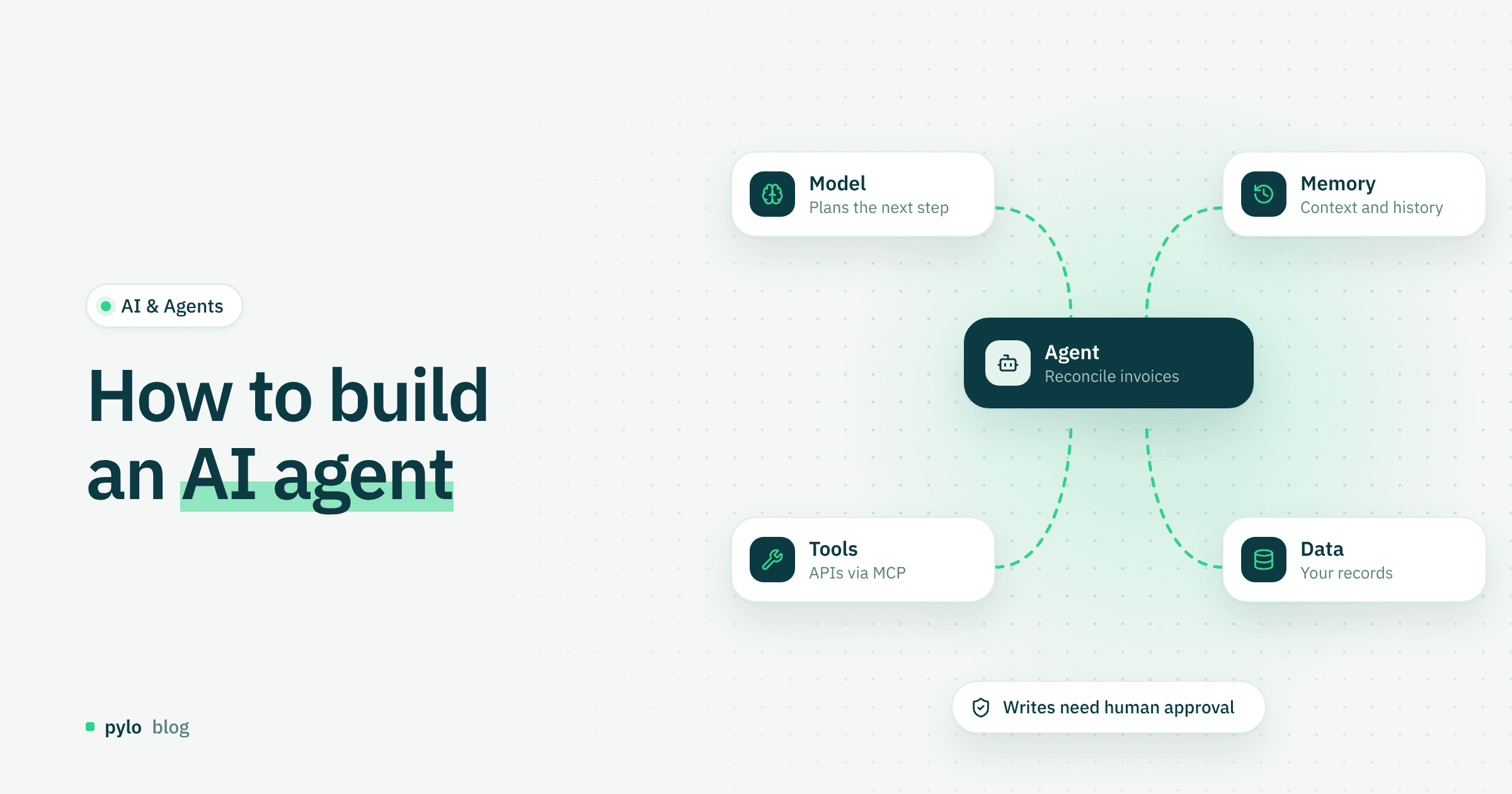
Companies use automation more and more to get more out of their resources. Customer service is one of the most common areas: classic or AI-powered chatbots answer questions, handle requests and sort out other issues with customers. AI agents go a step further, because they act with a high degree of independence and adapt to what they find. In this post we explain what AI agents are, how to build an AI agent step by step, and how to use one in your company.
What are AI agents?
AI agents are software systems that carry out tasks on their own. They perceive their environment, make decisions and take actions.
That sets them apart from simple AI models. A simple model only reacts to input and works more like an answer machine. An AI agent is a digital actor: it can pursue goals, plan its own steps, learn from intermediate results and adjust its behavior.
A simple example:
A "simple" AI model can write and polish an email. An AI agent can also research the information it needs, check calendars and send a fitting reply on its own.
Types of AI agents
Autonomous AI agents (currently the biggest trend)
Autonomous AI agents organize and combine planning, tools and learning on their own. This lets them solve complex tasks in several steps without help.
Typical business use cases:
Automated research and reports
Marketing (creating, analyzing and adjusting campaigns)
Software development (generating and testing code)
Learning agents
These agents improve through experience, data and use, for example with machine learning. Because they learn, they get better over time.
Typical business use cases:
Customer service (chatbots, support automation)
Demand forecasting, for example in retail
Fraud detection in finance
Goal-based agents
This type of agent fits clear business processes with a defined goal. The agent judges each action by whether it moves it closer to the goal, as in navigation.
Typical business use cases:
Logistics and route planning
Production planning
Workflow automation
Utility-based agents
Utility-based agents go one step further than goal-based agents. They also work toward a goal, but their main job is to rate several possible options by their "utility" and pick the best one.
Typical business use cases:
Price optimization
Investment decisions
Resource allocation
Multi-agent systems
In multi-agent systems, several agents work together or compete with each other. This makes the most sense for large, complex organizations.
Typical business use cases:
Supply chain management
Simulations, for example of market behavior
Smart factories
Opportunities and challenges of AI agents
Opportunities
Time saved through automation
Scaling complex processes
Better data analysis and decision support
Available 24/7
Challenges
Loss of control when the agent has too much autonomy
Errors that spread through wrong decisions
Data protection and security questions
High complexity during development
How to build an AI agent
Whether you write the agent in code or create an AI agent with an AI agent builder, the same seven steps apply.
Step 1: Define the goal
Before you start building, analyze the current situation in your company and set clear goals based on it. Also think about what the agent does not need to be able to do or know. That gives you a solid basis for the build.
Key points:
Clear task description: Be specific. Write "answer customer inquiries automatically" instead of a vague "improve support".
Success criteria (KPIs): Decide which KPIs measure the agent's success, for example time saved, cost reduction, or accuracy and quality of the output.
Typical goal categories:
Information gathering (research, summaries)
Automation, for example invoice processing
Decision support, for example recommendations
Step 2: Define the environment
Work out how to connect the AI agent to your existing systems and which data it may access. Data protection matters a lot at this stage of planning.
Parts of the environment include:
Data sources:
internal databases (CRM, ERP)
documents, PDFs, emails
Interfaces (APIs):
external services, for example weather, prices, market analysis
Systems and platforms:
cloud environments
business software
If your business data lives in pylo, its MCP server gives an agent read access to that data model through one standard interface, instead of a custom integration per system.
Step 3: Choose a model
The model behind the agent decides a lot about whether the project works, because not every model fits every task.
Types of models:
Language models (LLMs):
text generation, chatbots, analysis
Classic ML models:
forecasting, classification
Hybrid approaches:
rules and AI combined, for example for compliance
Selection criteria:
Accuracy vs. speed
Cost (API vs. your own model)
Data protection (cloud vs. on-premise)
Specialization, for example for medicine or law
Step 4: Add memory
Without memory, an AI agent stays "forgetful" and is only of limited use. There are two main kinds of memory: short-term memory for the session, which holds the current conversation and immediate context, and long-term memory, which stores information permanently, such as customer data or recurring knowledge.
Use cases:
Personalized answers
Context across several steps
Learning from past interactions
Step 5: Build the planning logic
In this step you break a complex task into individual, traceable steps. You set a sensible order and define how the agent decides when it is unsure. Common approaches are chain-of-thought, where the agent thinks through a task step by step, task planning, where it creates structured to-do lists, and reflection, where it checks results and improves them if needed.
Step 6: Connect tools
For the agent to act instead of only answering, it needs access to tools. With tools it can automate complete workflows for the company and always works with current information.
Typical tools:
Web search
Databases
Email and calendar
CRM systems
APIs, for example payment providers
Write access is where an agent becomes risky. With pylo, an agent connected through MCP can read directly, but every write it attempts becomes a proposal that a human approves or declines. The agent can do real work without changing data on its own.
Step 7: Test and optimize
No agent works perfectly from day one. Building one is an iterative process. Measure performance continuously and evaluate user feedback where you have it.
Key steps:
Define test cases:
typical scenarios
edge cases (error cases)
Analyze errors:
wrong answers
wrong decisions
Optimize:
better prompts
adjusted logic
better data
For error analysis it helps to have a record of what actually happened. pylo's events log keeps a history you can query when an agent made a wrong call.
Conclusion
AI agents mark the shift from passive tools to active digital systems. They act toward goals and on their own, though they differ a lot in how much autonomy they have. They also cover a wide range of uses, from simple automation to complex decision processes. Even as these systems get more autonomous, companies should keep clear structures, suitable tools and control mechanisms in place, especially at the start. Understanding how AI agents work today means understanding one of the core building blocks of how digital work will be done.
If you want your agents to work with real business data under human control, pylo gives them read access over MCP and routes every write through an approval step.
Keep reading
AI & Agents
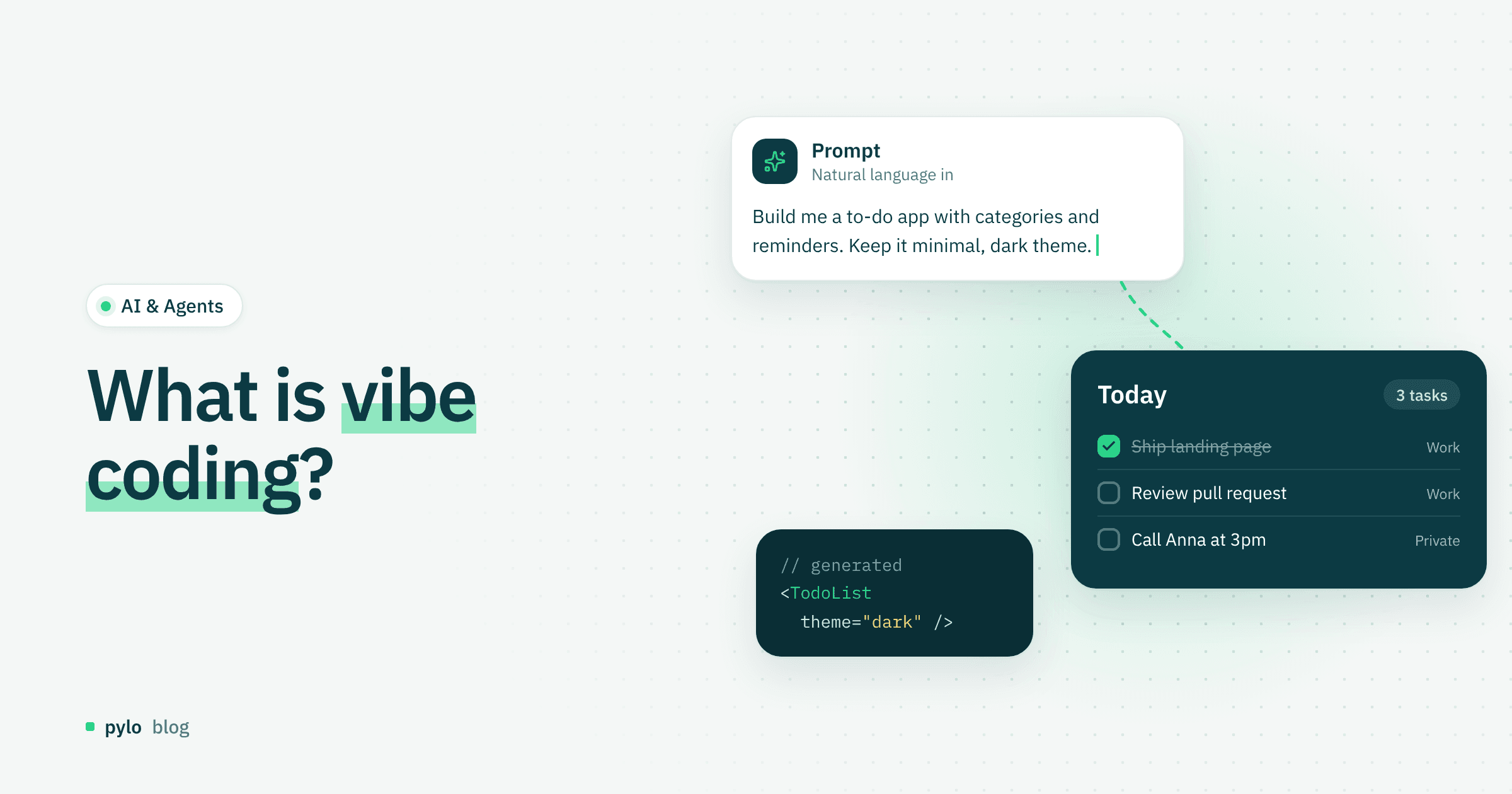
What is vibe coding? Definition, workflow and tools
Vibe coding changes how software gets built: you describe an idea and AI turns it into an application. Here is what vibe coding is, which tools exist, how the workflow looks, and what it means for developers and non-developers.
Read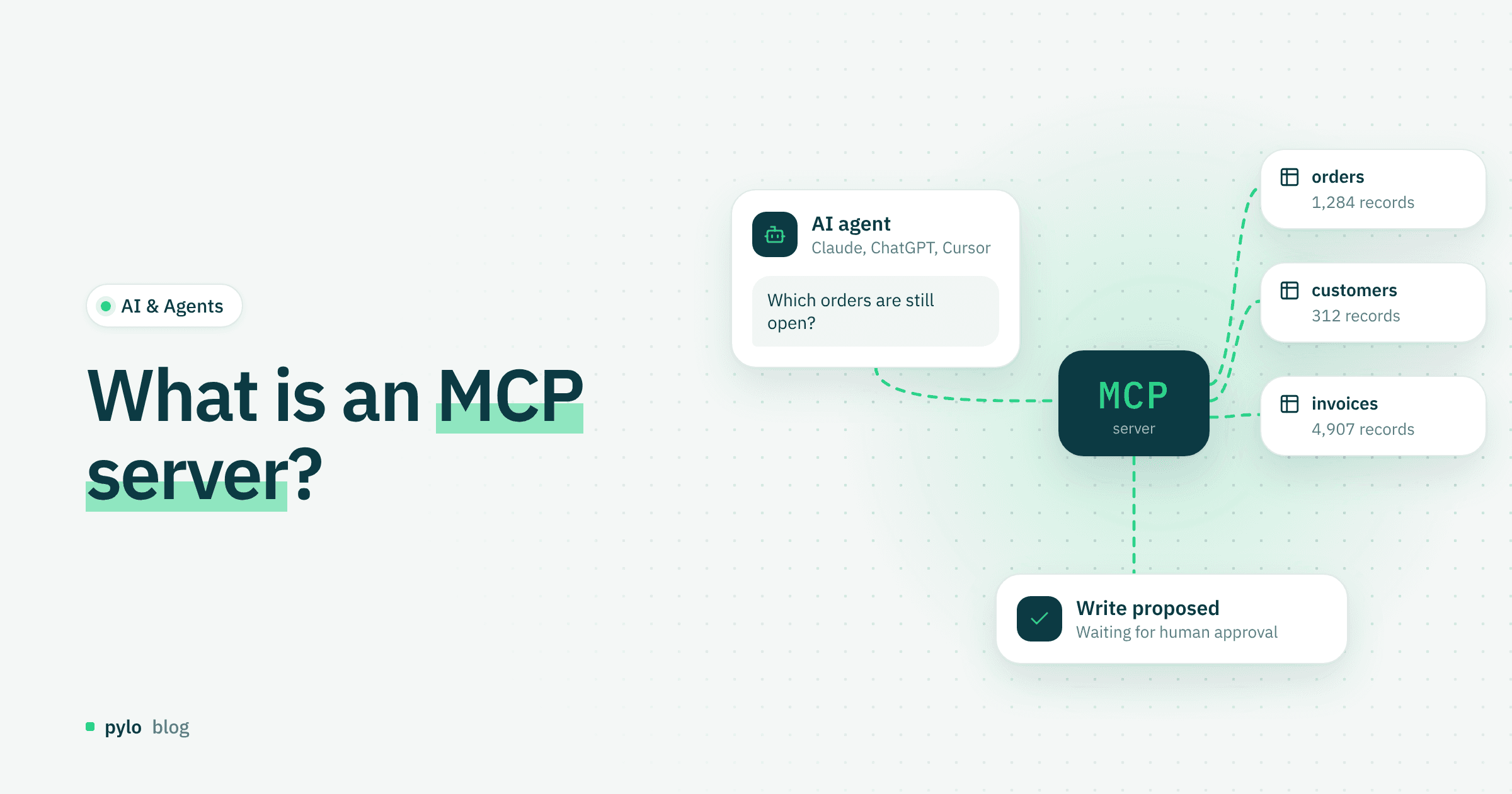
AI & Agents
What is an MCP server? Definition, how it works and why it matters
What MCP is, how an MCP server works and why it is becoming a key technology for connecting AI to company systems securely and efficiently.
Read