
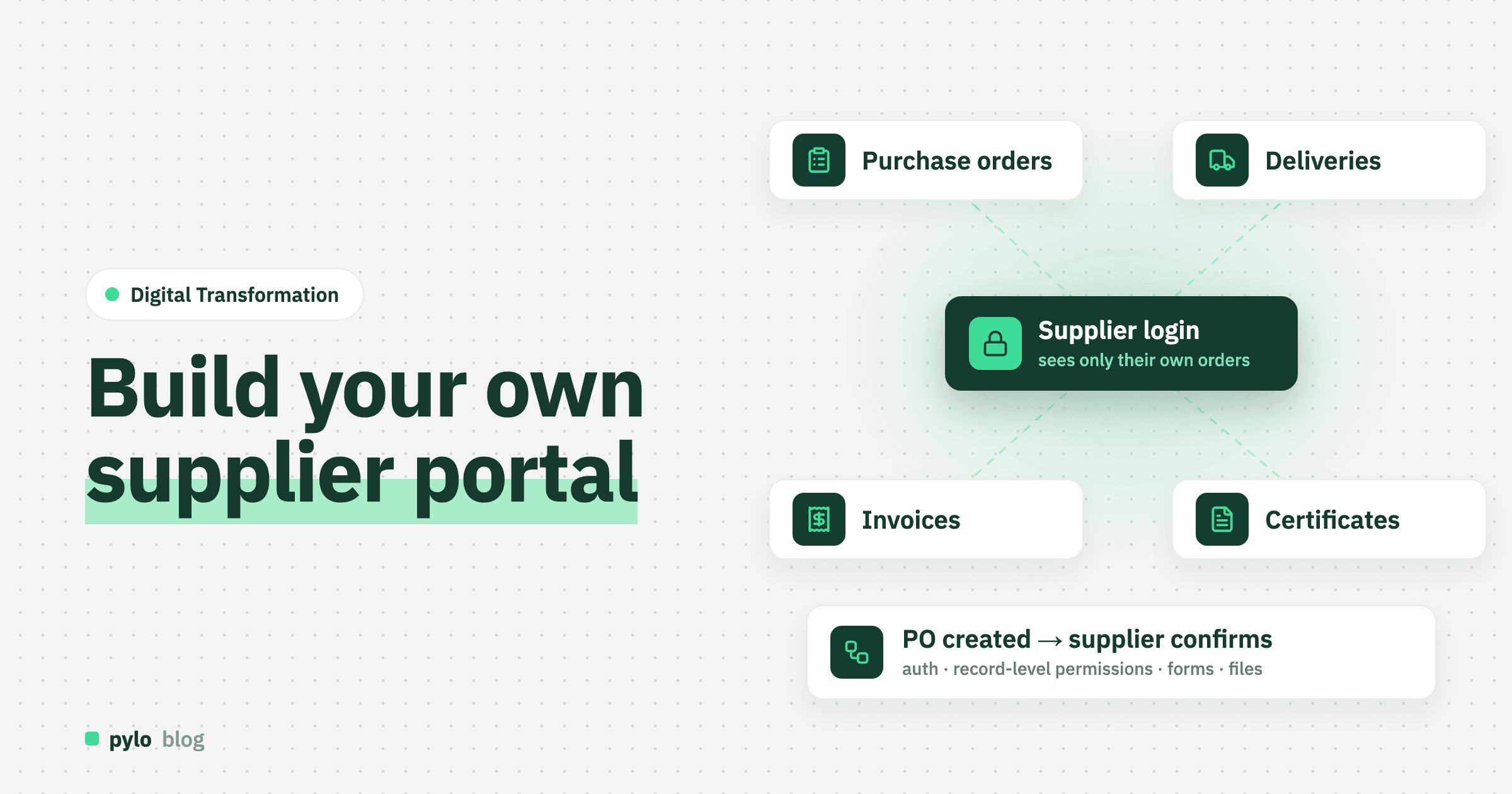
Purchasing teams spend their days chasing the same things: has the supplier confirmed the order, when will it ship, where is the certificate for this batch, has the invoice been matched. A supplier portal turns that chase into a login. The supplier confirms, announces, uploads and checks, and your team sees it on the purchase order. This guide shows how to build a supplier portal that fits your purchasing process: what suppliers need to do, the data model behind it, how to get login and permissions right, the three ways to build it and what it really costs.
What is a supplier portal?
A supplier portal, also called a vendor portal, is a login-protected website where your suppliers see and act on the records that concern them: purchase orders, delivery dates, delivery notes, invoices, quality documents and their own master data. It is the mirror image of a customer portal. A customer portal shows what you sold, filtered to one customer. A supplier portal shows what you bought, filtered to one supplier.
One difference matters for the design. Customers mostly look. Suppliers mostly act: confirm, change a date, upload a document, submit an invoice. A supplier portal is a set of forms as much as it is a set of lists.
Should you build or buy a supplier portal?
Buy one if your ERP or procurement tool ships a supplier portal and it covers what you exchange with suppliers. Large procurement suites do, and for a company that only needs order confirmation and invoice upload, the module of the system you already run is the cheapest route.
Build one if purchase orders live in one system, quality documents in another and the delivery schedule in a sheet, or if what you exchange with suppliers is specific to your industry: batch certificates, drawings with revisions, packaging specs, forecasts for the next twelve weeks. A bought portal shows the standard fields. Your own portal shows your process. Building is also the usual route when suppliers are small workshops that will not install anything, which means the portal has to be simple enough to use on a phone. The reasoning follows our guide to build vs buy software.
Step 1: Decide what suppliers need to do
Count the emails between purchasing and suppliers for one month and group them by what the supplier was asked to do. The top three become your first three portal pages. Typical candidates:
Confirm a purchase order, or propose a different quantity or date
Announce a delivery with the expected date, quantities and the delivery note
Upload documents such as certificates of conformity, safety data sheets and test reports, linked to the order or the batch
Submit an invoice against a purchase order and see whether it is matched and paid
Maintain their own master data: contacts, bank details, lead times
See open complaints and respond to them
Leave everything else for version two. A portal that gets order confirmation and delivery announcements right already removes most of the email.
Step 2: Define the data model
A supplier portal is a permission filter over a handful of related tables, plus a few forms that write into them.
Entity | Key fields | Relations |
Supplier | name, supplier number, address, payment terms, default lead time, status (approved, on hold) | has many portal users, purchase orders, deliveries, invoices, documents |
Portal user | name, email, role (admin, order desk, accounting) | belongs to a supplier |
Purchase order | number, date, status, requested date, confirmed date, total | belongs to a supplier, has many PO lines |
PO line | quantity, unit price, confirmed quantity, confirmed date, line status | belongs to a purchase order and a product |
Delivery | expected date, delivery note number, carrier, received at | belongs to a supplier, has many delivery lines that reference PO lines |
Supplier invoice | number, date, amount, PDF, match status, paid at | belongs to a supplier, references one or more purchase orders |
Document | title, type, file, batch, valid until | belongs to a supplier, optionally to a PO line or delivery |
Three decisions pay off later:
Confirmation is data, not a status flip. Store the confirmed quantity and date per line next to what you requested. The difference is the information purchasing needs, and a supplier who confirms 80 of 100 pieces for next week has told you something a single "confirmed" flag loses.
Link everything to the supplier, not to the user. Contacts change. The purchase orders stay.
Keep internal fields on the same records. Target price, supplier rating, the buyer in charge and internal notes live on the purchase order too. Permissions hide them from the portal, so you do not maintain a second copy.
Step 3: Get login and permissions right
This is the step that decides whether the portal is safe. Suppliers see each other's prices if it goes wrong, which is worse than any email backlog. Three layers:
Login. Email and password with a reset flow, plus Google or Microsoft sign-in. Invitations come from the supplier's admin user once you have created the first one. Your purchasing team should not manage every supplier's staff.
Record-level permissions. A portal user sees the purchase orders, deliveries, invoices and documents of their own supplier and nothing else. Enforce this in the backend, never in the frontend. A filter in the UI is one missing
whereclause away from showing a competitor's prices.Field-level permissions. The purchase order carries your target price and the supplier rating. Rules per field keep those hidden while the supplier edits the confirmed date on the same record.
Write down who may create what. Suppliers may create deliveries, documents and invoices, and may edit confirmed quantities and dates on open lines. They never create purchase orders and never edit a closed one. Log every change with who made it. Audits ask for that, and so does the buyer who wants to know when the date slipped.
Step 4: Build the pages
Start with six screens:
Dashboard. Purchase orders waiting for confirmation, deliveries due this week, documents about to expire, invoices in review.
Purchase orders. A list with status filters and a detail page where the supplier confirms per line or proposes a change.
Deliveries. A form to announce a delivery against open PO lines, with the delivery note as an upload, and a list of past deliveries with received status.
Invoices. A form to submit an invoice against purchase orders, and a list with match status and payment date.
Documents. Upload by type, linked to an order, a batch or the supplier, with expiry dates.
Account. Contacts, bank details and lead times, managed by the supplier's admin, with changes to bank details routed to your team for approval.
Mobile matters more here than in a customer portal. Confirmations and delivery announcements often come from a workshop floor or a loading dock.
Step 5: Connect the systems you keep
The portal does not have to be the system of record for everything it shows. Purchase orders may stay in the ERP, invoices in accounting. Connect them through their APIs or webhooks and decide per entity which system owns it. Import the open purchase orders and the last year of history with a CSV export first, so suppliers see their orders on day one. Then switch to live updates: when a buyer creates a purchase order in the ERP, it appears in the portal within seconds, and when the supplier confirms, the ERP gets the confirmed date back.
Step 6: Add the workflows
A supplier portal becomes useful when things happen without someone remembering:
When a purchase order is created, email the supplier's order desk with a link to confirm.
When a purchase order is not confirmed after three working days, remind the supplier and flag it for the buyer.
When a supplier proposes a different date or quantity, create an approval for the buyer instead of changing the order silently.
When a delivery is announced, notify the warehouse with the expected date and quantities.
When an invoice is submitted, match it against the purchase order and received deliveries and route mismatches to a person.
When a certificate expires in 30 days, ask the supplier's admin for a new one.
Write these as "when X, then Y" rules first. They map directly to the triggers of a workflow engine: a record changes, a schedule fires or an outside system calls in.
Three ways to build a supplier portal
No-code portal builder. Tools like Softr or Stacker put a portal on top of a spreadsheet-style database. Fast to start, fine for a few dozen suppliers and simple roles. The limits show when purchase orders live in an ERP, permissions get specific or the supplier count grows. Our comparison of pylo and Softr shows where that line sits.
Backend platform plus your own frontend. The platform holds the data model, API, login, permissions, files and workflows. You build the portal pages with a web framework such as Next.js, or configure views in the platform's admin UI. This is the middle ground for teams with at least one developer and a purchasing process of their own. Our backend as a service pylo is built for this: entities with relations, a typed GraphQL API, record and field permissions, login with Google and Microsoft, forms that write into the data model, files and flows, with a Next.js SDK for the portal itself.
From scratch. Your own database, API, auth, permission layer, file handling and UI. Full control, but most of the hours go into plumbing that every portal needs and that suppliers never see.
How much does a supplier portal cost?
Compare three-year costs. A rough model for a portal with the seven entities above, three roles and the six workflows:
Option | Upfront | Ongoing | 3-year estimate |
Supplier module of a procurement suite | Implementation partner | Often priced per supplier or as an enterprise add-on | Depends on the suite; check what happens at 200 suppliers |
No-code portal builder | 40 to 100 hours | Builder plus database subscription, often priced per external user | 3,200€ to 8,000€ to build, plus subscription and seats |
Backend platform plus own frontend | 60 to 160 developer hours | Platform fee plus a few hours a month | 4,800€ to 12,800€ to build |
From scratch | more than 200 developer hours | Hosting, security updates, maintenance | more than 16,000€ to build, plus upkeep |
The hour ranges are our estimates, priced at 80€ per hour. The line to watch is per-user pricing. Every supplier brings two or three users, and a tool that charges per external user makes a growing supplier base a growing bill.
Common mistakes
Making suppliers retype what they already sent. If a supplier emails a delivery note, the portal should accept the file and read the numbers, not ask for both.
Permissions in the frontend. Supplier prices are the most sensitive data most companies hold. Enforce the filter in the backend.
Copying the buyer's screens. A supplier needs six fields on a purchase order, not forty. Hide the rest.
No change workflow. If a supplier can change a confirmed date without anyone noticing, the portal has made the problem silent instead of solving it.
No onboarding plan. Suppliers will not use a portal because you built it. Invite the ten who cause the most email first, make the first login a two-minute job and route new purchase orders only through the portal from then on.
Can AI help in a supplier portal?
Yes, with the same rule that applies to people: an agent that reads a supplier's delivery note PDF and fills in the delivery form must see only that supplier's orders. The useful jobs are reading uploaded documents into structured records, matching invoices to purchase orders and deliveries, and answering "when will this arrive" for your own team from the confirmed dates. The clean way is to give the agent access through an MCP server that runs with the logged-in user's permissions, and to turn anything it wants to change into a request a person approves. Our posts on MCP servers and how to build an AI agent explain the setup.
Conclusion
A supplier portal is a permission filter over your purchase orders, plus forms for the things suppliers do and a few workflows that chase for you. Count the emails, model seven entities, store confirmations as data, enforce permissions in the backend, connect the ERP you keep and automate the reminders. The portal pays for itself in buyer hours within months. If you already run your own custom ERP or order management, it is the natural next module, and it shares its data model with the customer portal on the other side of the business.
If you want the middle path, pylo gives you the data model, the typed API, login for your suppliers, record and field permissions, forms, files and flows, hosted in Germany, so the portal is the only part you build. Compare it as a Retool alternative or an Airtable alternative if that is what you use today.
Keep reading
Digital Transformation
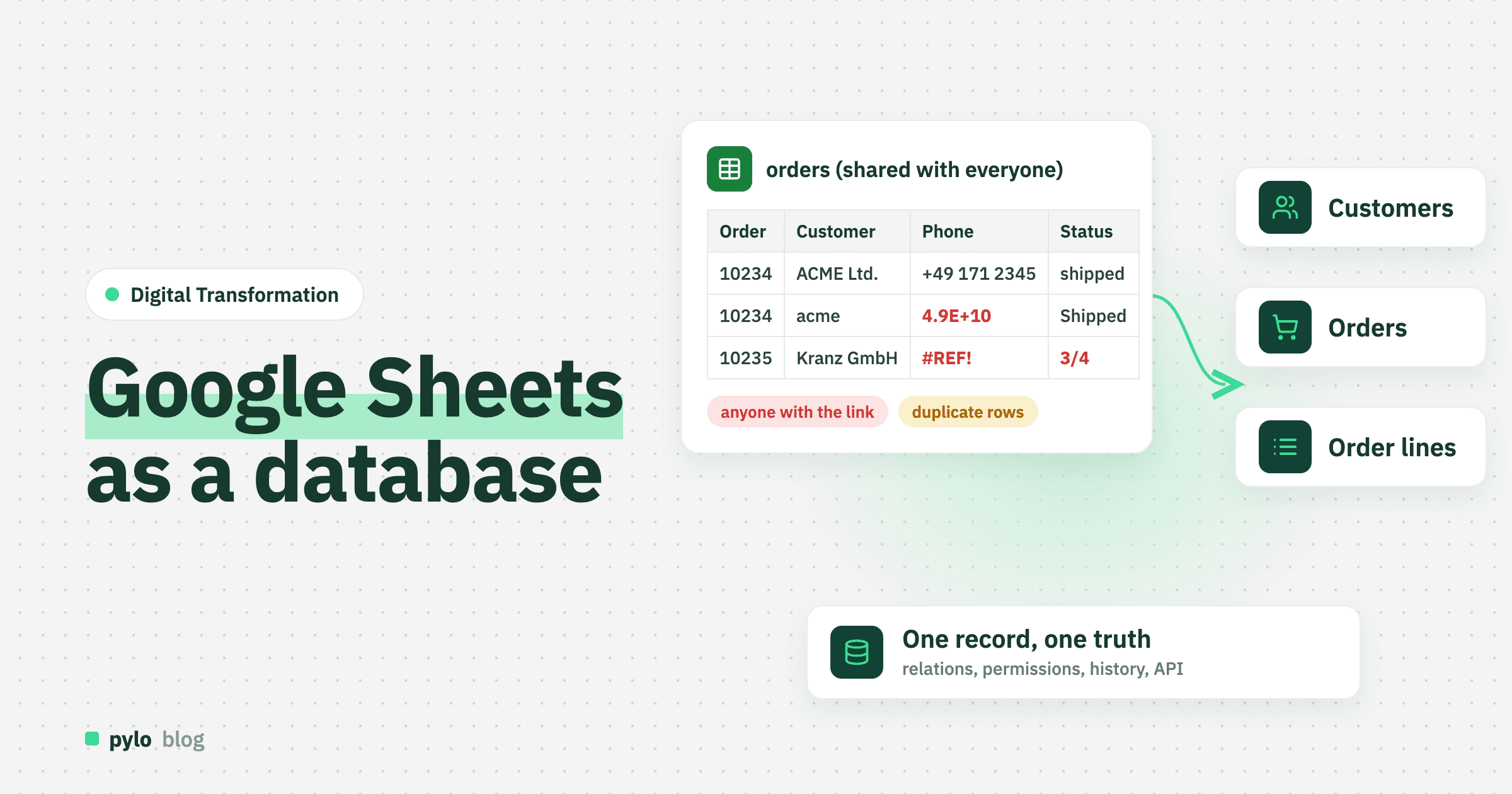
Google Sheets as a database: where it breaks and how to switch
Google Sheets works as a database until several people, an app or a few rules depend on it. How to set up Google Sheets as a database properly, what happens when you use it as a backend through the API or Apps Script, the signs you have outgrown it, and how to move to a real database in five steps.
Read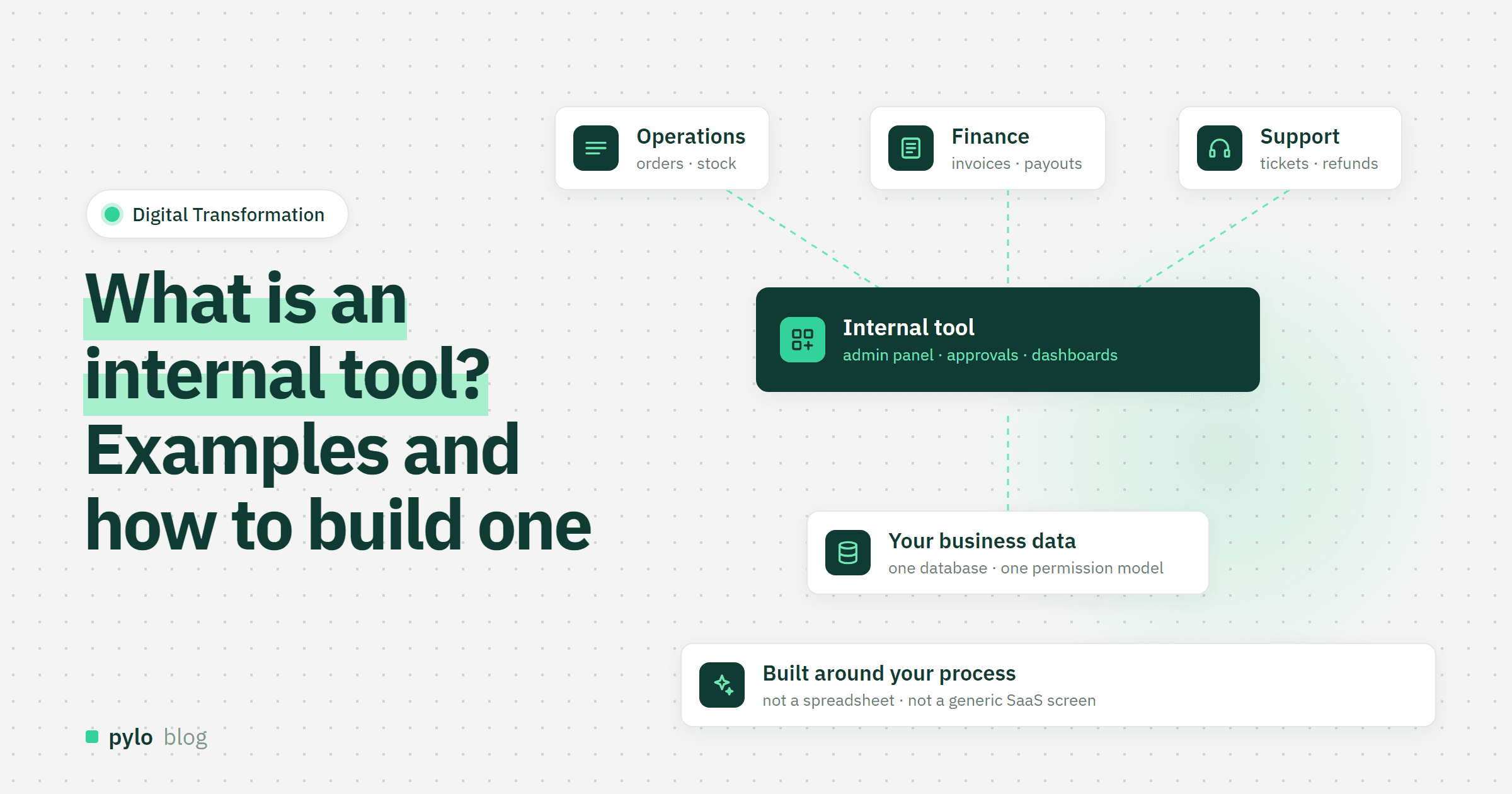
Digital Transformation
What is an internal tool? Examples, types and how to build one
Internal tools are the admin panels, back offices and approval apps your team uses to run the business. What counts as an internal tool, typical examples, what they are made of, four ways to build one and how to get from spreadsheet to working app.
Read