
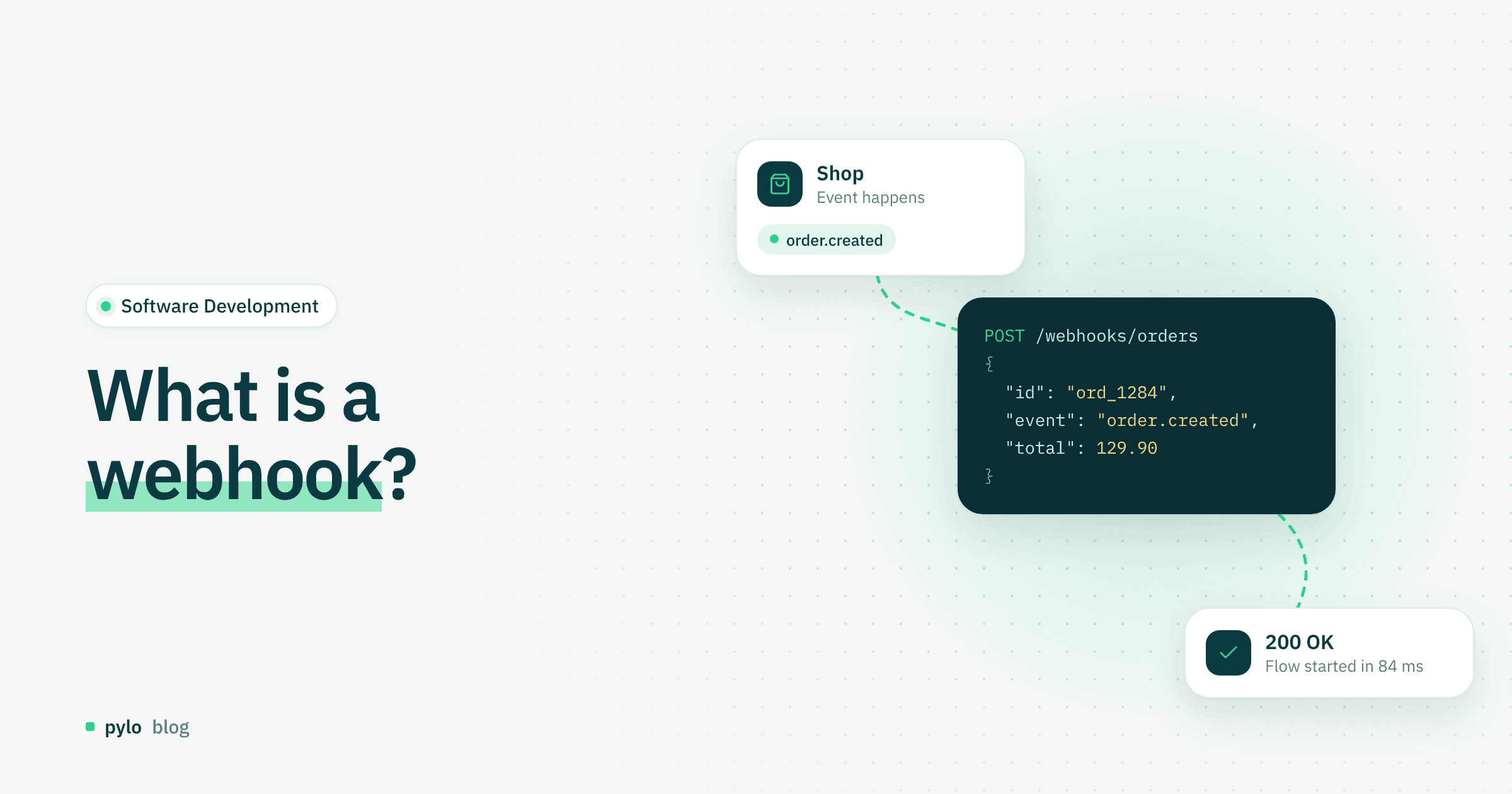
When you work on software integrations, two terms come up again and again: API and webhook. For companies that want to automate processes or exchange data in real time, webhooks are a powerful tool and usually a fixed part of the system architecture. But what is a webhook exactly, how is it different from an API, and how do you use it correctly? This post gives you a clear overview.
What is a webhook?
A webhook is a method by which one application automatically sends information to another application over HTTP as soon as a specific event, also called a trigger, occurs. Webhooks make it easy to automate communication between individual APIs.
With an API, the client has to request data actively. A webhook reports new events automatically, without repeated requests. Put simply, you can think of webhooks as a kind of notification system: when something happens, you get a message right away, automatically.
An example: An online shop wants to know immediately when a payment has gone through. Instead of querying the API at regular intervals, it can receive the information directly through a webhook.
Webhook vs API: the difference
Webhooks are a communication pattern that uses HTTP to exchange data between systems based on events. APIs are interfaces through which one system actively requests data from another system or triggers actions.
Here are the basic differences:
Feature | API | Webhook |
Type of communication | The client actively sends a request | Event-based, the server sends automatically |
Data flow | Pull, the client fetches the data | Push, the data is sent to you |
Real time | Often delayed, depends on polling intervals | Real time, as soon as the event occurs |
Use cases | Data queries, integration, control | Notifications, event triggers, automation |
In short: APIs request data, webhooks deliver data automatically.
What are the advantages of webhooks?
Webhooks have many advantages, for companies and developers alike:
Real-time notifications: No delays from regular polling.
Resource-efficient: Fewer API requests and less bandwidth.
Automation: Processes can start right away, for example creating invoices or updating stock levels.
Easy testing: Webhook testing tools and simulators make it easy to check your setup.
In pylo, for example, an incoming webhook can trigger a Flow, a visual workflow that runs the next steps, so you do not need a separate polling job.
What risks come with webhooks?
Despite their advantages, webhooks also carry some risks:
Security gaps: Webhooks depend on publicly reachable URLs. That creates a risk that attackers misuse the webhook URL. Clear authentication mechanisms solve this problem. Many providers sign webhook payloads with a secret, for example, so the receiver can verify that they are genuine.
Data loss: If the receiving URL is down, events can get lost. Build in retry mechanisms so that temporary downtime does not turn into a problem for the whole system and no events are lost.
Lack of control: Once data is pushed, processing is up to the receiver. Errors on that side can lead to inconsistent data.
Idempotency: The receiver has to handle the same webhook arriving more than once, especially when retries are in place.
Real-world examples
E-commerce: A payment system sends information about a completed transaction directly to the shop through a webhook.
Project management: Tools like Trello, Linear or Jira send notifications to Slack channels when cards or tickets change.
Marketing automation: Newsletter platforms fire webhooks when a user fills out a form, so leads move into CRM systems automatically.
Conclusion
Webhooks are a simple way to transfer data in real time and automate processes. APIs are better suited to queries, while webhooks follow a real-time push principle that makes systems more efficient and easier to automate. With the right security measures and a webhook test, you can run these systems safely and reliably.
If you want to act on incoming webhooks without writing your own glue code or adding a separate tool like Zapier, pylo receives webhooks and uses them as Flow triggers on your own data model. Here is how pylo compares to Zapier.
Keep reading
Software Development
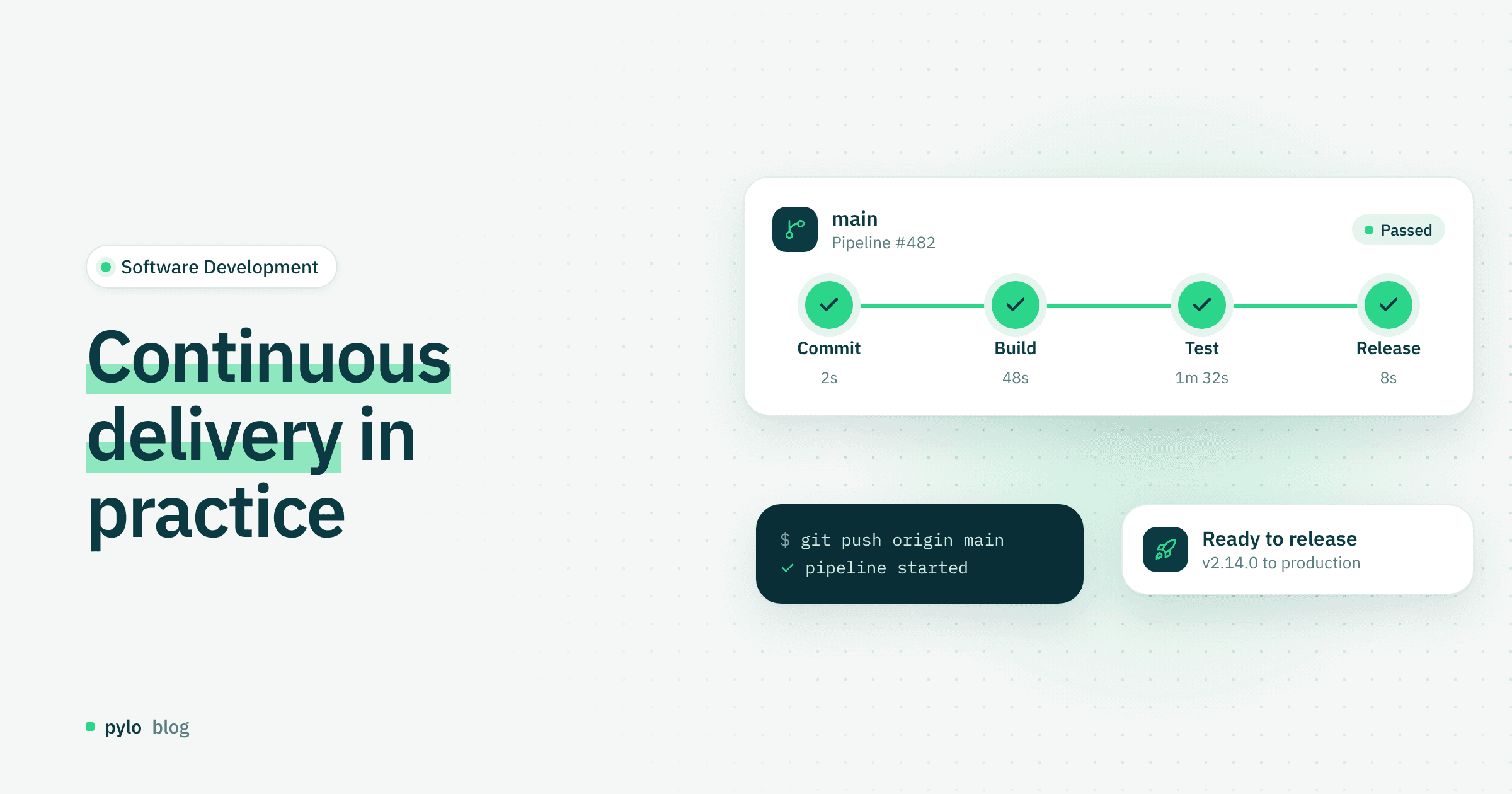
Continuous delivery: definition, best practices and tools
What is continuous delivery, and why does it matter for modern software development?
Read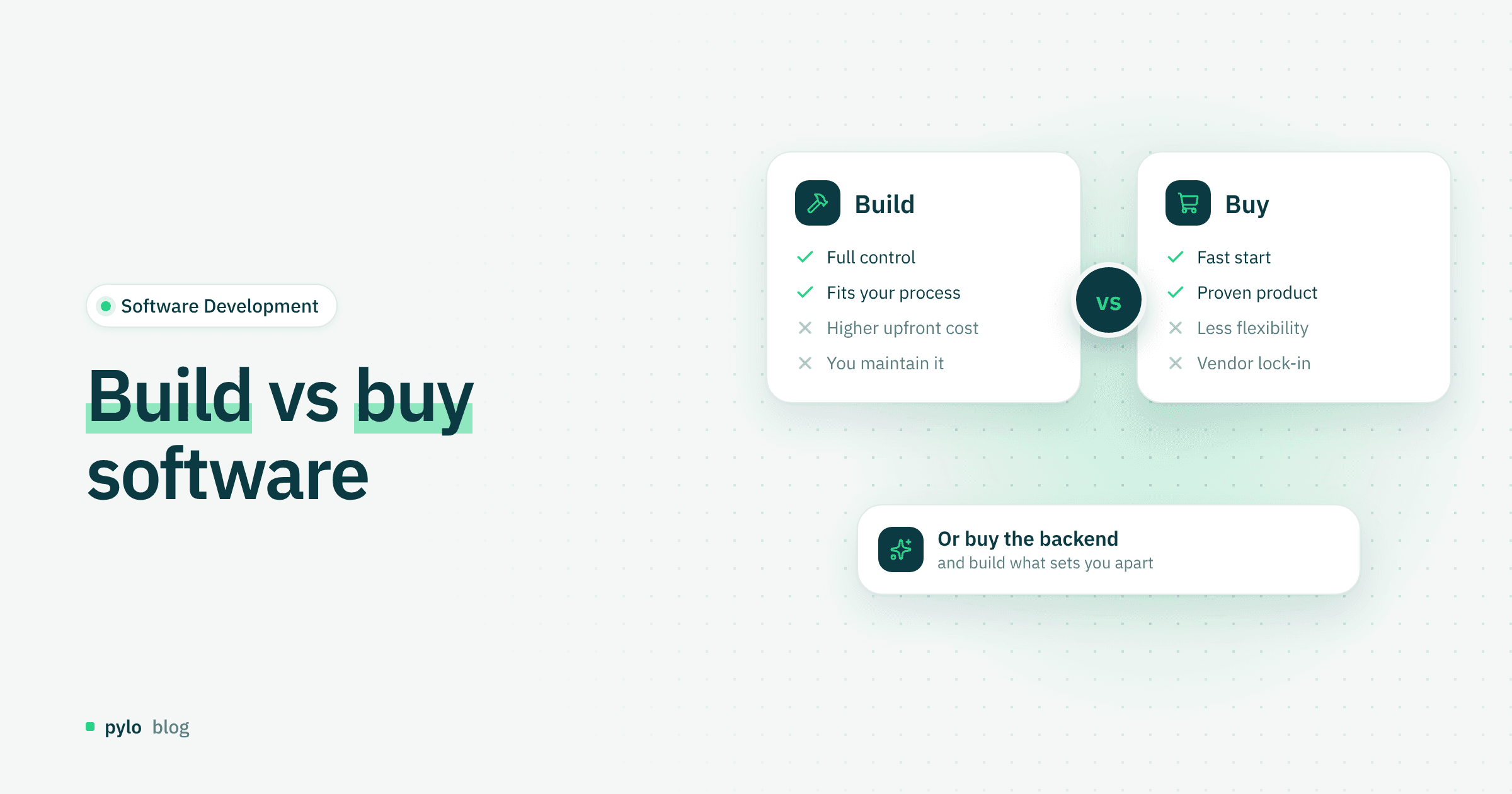
Software Development
Build vs buy software: how to make the right decision
Build or buy? Companies often have to decide whether to develop software themselves or purchase a finished solution. Learn when building is the better choice and when buying makes more strategic sense.
Read