
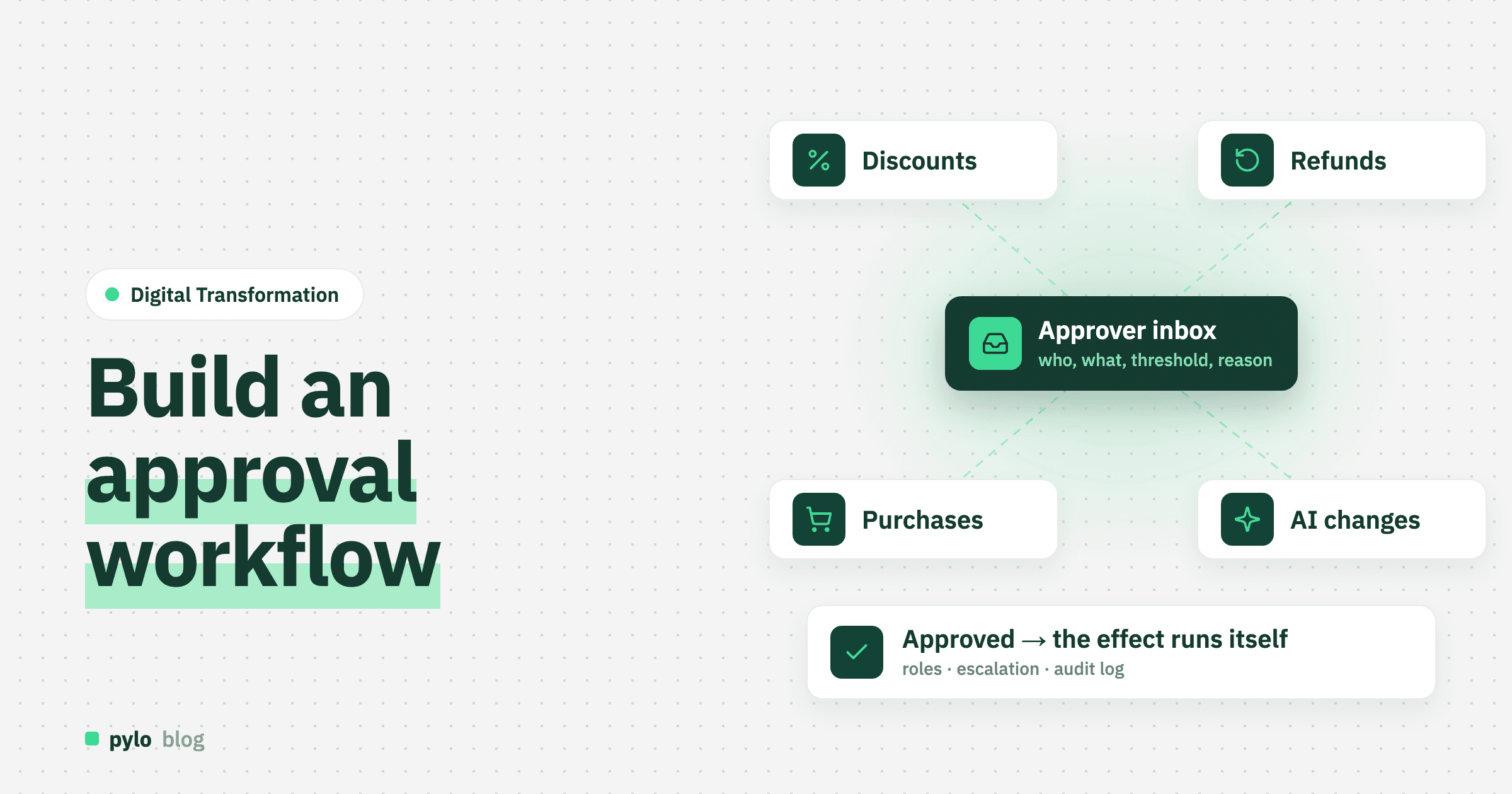
Somewhere in your company a discount, a refund, a purchase or a change to a customer's bank details is waiting for a yes. The request is in an email thread, the yes will be a reply, and in six months nobody will be able to say who approved it or why. An approval workflow replaces the thread with a record: what was requested, who had to decide, what they decided and what happened next. This guide shows how to build an approval workflow that your team will use: how to write the rule, the data model behind it, how to route requests, the screens, what happens after the decision, the three ways to build it and what it costs.
What is an approval workflow?
An approval workflow is a process in which a request has to be accepted by one or more people before it takes effect. The request is a record. The approvers are determined by a rule. The decision is stored with the name, the time and a reason. The effect, such as a purchase order being sent or a discount being applied, happens only after the decision and happens automatically.
The last part is what separates a workflow from a form. A form collects a yes. A workflow makes the yes do something.
Where approvals hide
Most companies have more approval workflows than they think. The usual ones:
Discounts and special prices. A rep may give 5 percent, the sales lead 15, anything above goes to the owner.
Refunds and credit notes. Support may refund up to an amount, finance above it.
Purchase requests. Below a threshold the team lead decides, above it purchasing and the budget owner.
Master data changes. A new bank account on a supplier, a changed delivery address on a customer, a price change on a product.
Holiday and expense requests. The classic HR cases.
Changes proposed by AI agents. A new category: an agent drafts an order or updates a record, and a person approves before it is written. More on that below.
If you run several of these by email, pick the one with the highest amounts or the most confusion and start there. Our post on internal tools lists approval apps among the first tools most companies build, for exactly this reason.
Step 1: Write the rule in one sentence
Before any table or tool, write each approval as a sentence with four parts: what is requested, by whom, who decides, and under which condition. For example: "A discount above 10 percent on a quote, requested by a sales rep, is decided by the sales lead, and above 25 percent also by the managing director."
If you cannot write the sentence, you do not have a rule, you have a habit. That is fine to find out now. Many approvals turn out to be "ask Maria" with no threshold behind it, and the fix is to agree a threshold, not to build software around the habit.
Step 2: Define the data model
An approval workflow is four tables, and the first one is the interesting design decision.
Entity | Key fields | Relations |
Request | type, status (open, approved, declined, withdrawn), amount, reason, requested at, due by | belongs to a requester, belongs to the record it is about (quote, order, supplier), has many approval steps |
Approval step | sequence, required role, status, decided at, comment | belongs to a request, belongs to an approver once decided |
Approval rule | request type, condition (field, operator, threshold), required role, sequence | produces approval steps when a request is created |
Audit entry | who, when, what changed, old and new value | belongs to the request and to the record it changed |
The design decision is whether a request is its own table or a status on the thing being approved. A discount could simply be a field on the quote with a status "pending approval". That works for one approval type. The moment you have three, you want one Request table that points at the quote, the refund or the purchase, because then the inbox, the reminders and the audit trail are built once. Our advice is to start with the generic Request table even for the first case.
Two more decisions pay off later:
Store the decision, not just the status. Approved by whom, when, with which comment. "Approved" alone is useless the day someone asks why.
Snapshot what was approved. If the quote changes after the approval, the approval must not silently cover the new amount. Store the amount on the request and compare.
Step 3: Route the request
Routing is where approval workflows get complicated, so keep the first version simple. Four patterns cover most cases:
Threshold. Below X one role, above X another. This is the rule from step 1 and covers most of what companies need.
Sequential. First the team lead, then finance. The second step is created only when the first is approved.
Parallel. Two people must both agree, in any order. Rarer than people think.
Delegation. When an approver is out of office, the request goes to a named substitute after a set time. Without this, the workflow stops every holiday.
Route to roles, not to people. "Sales lead" survives a reorganisation, a name does not. And add an escalation: if a request is open for more than two working days, remind the approver and copy their manager.
Step 4: Build the inbox and the decision
Approvers do not want another system. They want a short list and a button. Three screens are enough:
Approver inbox. Open requests for my role, oldest first, with the amount, the requester and the reason visible without clicking.
Request detail. What exactly is being approved, the record it concerns, previous decisions on this customer or supplier, and two buttons: approve and decline, both with a comment field.
Requester view. My requests and where they stand. This alone removes most of the "did you see my email" messages.
Notifications carry the workflow. Email or chat message when a request lands, with a link that opens the detail directly. Make approving possible on a phone. Most approvals are decided in a corridor or on a train, and a workflow that needs a desktop login is slower than the email it replaced.
Step 5: Make the yes do something
This is the step most teams forget, and the one that makes the workflow worth building. When the last step is approved:
the discount is written onto the quote and the quote is released,
the refund is sent to the payment provider and the credit note is generated,
the purchase order is created and sent to the supplier,
the new bank details replace the old ones on the supplier record.
And when a request is declined, the requester is told why and the record stays as it was. Write these as "when the request status changes to approved, then" rules. They map to the triggers of a workflow engine, and keeping them in a visible workflow editor rather than in code means the finance lead can raise the refund threshold without a deployment.
Step 6: Keep the audit trail
Every change to a request and every change the approval caused should be logged with who, when, old value and new value. This is not optional for anything that touches money or master data, and it is the part auditors and tax advisors ask for first. If your backend logs changes on every record anyway, you get this for free. If it does not, build it before the first real approval runs.
Three ways to build an approval workflow
Email and a spreadsheet. The request is an email, the log is a sheet someone fills in afterwards. Free, and it is what most companies have. The sheet is always behind, and nothing happens automatically after the yes.
Automation tool on top of your existing systems. Tools like Zapier, Make or n8n can watch a form, send an approval email and write the result somewhere. Good when the data already lives in a system with an API and the rule is simple. It gets fragile when the request needs to show related data, when there are several steps or when the audit trail has to be reliable, because the state lives in the automation tool rather than with the data.
Backend platform with the workflow next to the data. The platform holds the request table, the related records, permissions and a workflow engine triggered by data changes. The inbox is a filtered view in its admin UI or a few pages in your own frontend. Our backend as a service pylo is built for this: entities with relations, record and field permissions so a rep sees only their own requests, forms that create requests, flows that run when a status changes, notifications, and an audit log on every record.
From scratch. Your own request model, routing engine, inbox, notifications and audit log. Only worth it if approval logic is your product.
How much does an approval workflow cost?
Compare three-year costs for one approval type with a threshold rule, two roles, an inbox, notifications and the effect after approval:
Option | Upfront | Ongoing | 3-year estimate |
Email and spreadsheet | Nothing | Minutes per request, plus the ones that get lost | Free to start; the cost is in errors and in the audit you cannot produce |
Automation tool | 10 to 30 hours | Subscription priced per task or run | 800€ to 2,400€ to build, plus a subscription that grows with request volume |
Backend platform | 20 to 60 hours for the first type, a few hours per additional type | Platform fee | 1,600€ to 4,800€ to build |
From scratch | more than 120 developer hours | Hosting, security updates, maintenance | more than 9,600€ to build, plus upkeep |
The hour ranges are our estimates, priced at 80€ per hour. The second approval type is where the options separate. On a platform with a generic request table it is a new rule and a new form. In an automation tool it is a second automation that duplicates the first. Approvers are also spread across the company, so a tool priced per user gets expensive fast. pylo has unlimited users on every plan; the pricing page has the details.
Common mistakes
Automating a habit. If the rule is "ask Maria", agree a threshold first. Software around an undefined rule produces an undefined workflow.
Too many steps. Three approvers for a 200€ purchase means the workflow is slower than the email and people route around it. One step for most cases, two for the big ones.
No substitute. The first holiday stops every request. Delegation after a set time is part of version one.
Approval without effect. If someone still has to copy the approved discount into the quote by hand, you have built a form, not a workflow.
Routing to names. People change roles. Rules that name a person break every time the org chart does.
Approvals for AI agents
The newest approval type is the one that will grow fastest. When an AI agent reads an incoming email and drafts an order, matches an invoice to a purchase order or updates a customer's address, someone has to say yes before the change is written. The pattern is the same request record, the same inbox and the same audit trail, with the agent as the requester. This is how we built pylo's own MCP server: agents read within their permissions, and every write becomes a proposal a person approves or declines in one place. It keeps agents useful without letting them change your books unsupervised. Our posts on what an MCP server is and MCP vs API explain the mechanics.
Conclusion
An approval workflow is a rule you can write in one sentence, a request table with steps and decisions, routing to roles with a substitute, an inbox with two buttons and a rule that applies the result. Start with the approval that handles the most money or causes the most confusion, model it generically so the second type is cheap, and log everything. Once it runs, the same request table carries purchase requests, master data changes and the changes your AI agents propose. For the bigger picture of moving processes like this out of email, read our guide on business process digitization.
pylo gives you the request table, permissions, forms, flows triggered by status changes, notifications and an audit log on every record, hosted in Germany, with an MCP server that turns every agent write into an approval. The inbox is a filtered view you configure in an afternoon.
Keep reading
Digital Transformation
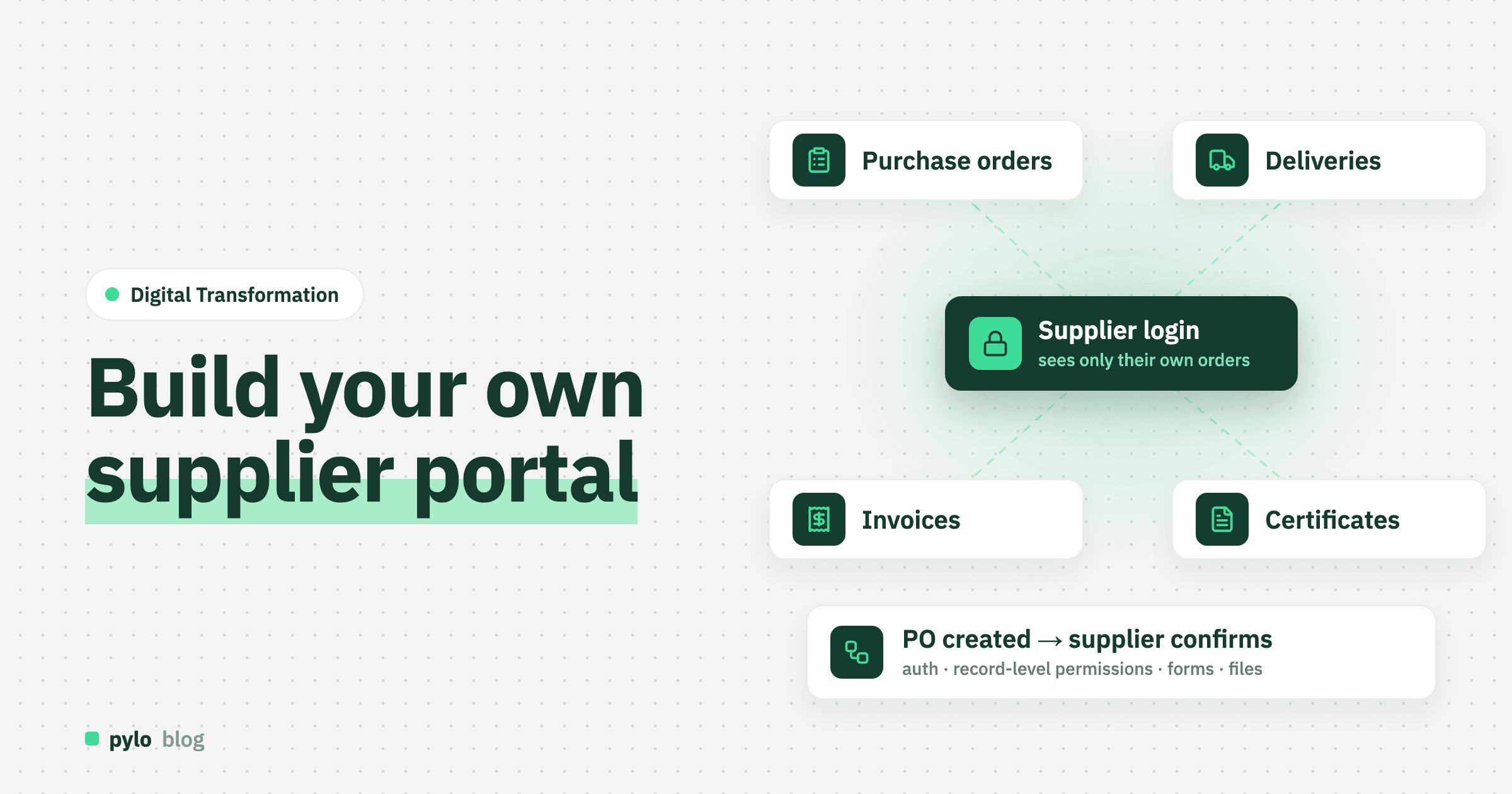
How to build a supplier portal: data model, permissions and steps
A supplier portal lets vendors confirm purchase orders, announce deliveries, upload certificates and check invoice status without emailing your purchasing team. What suppliers need to do, the data model behind it, how to keep each supplier inside its own records, three ways to build it and what it costs.
Read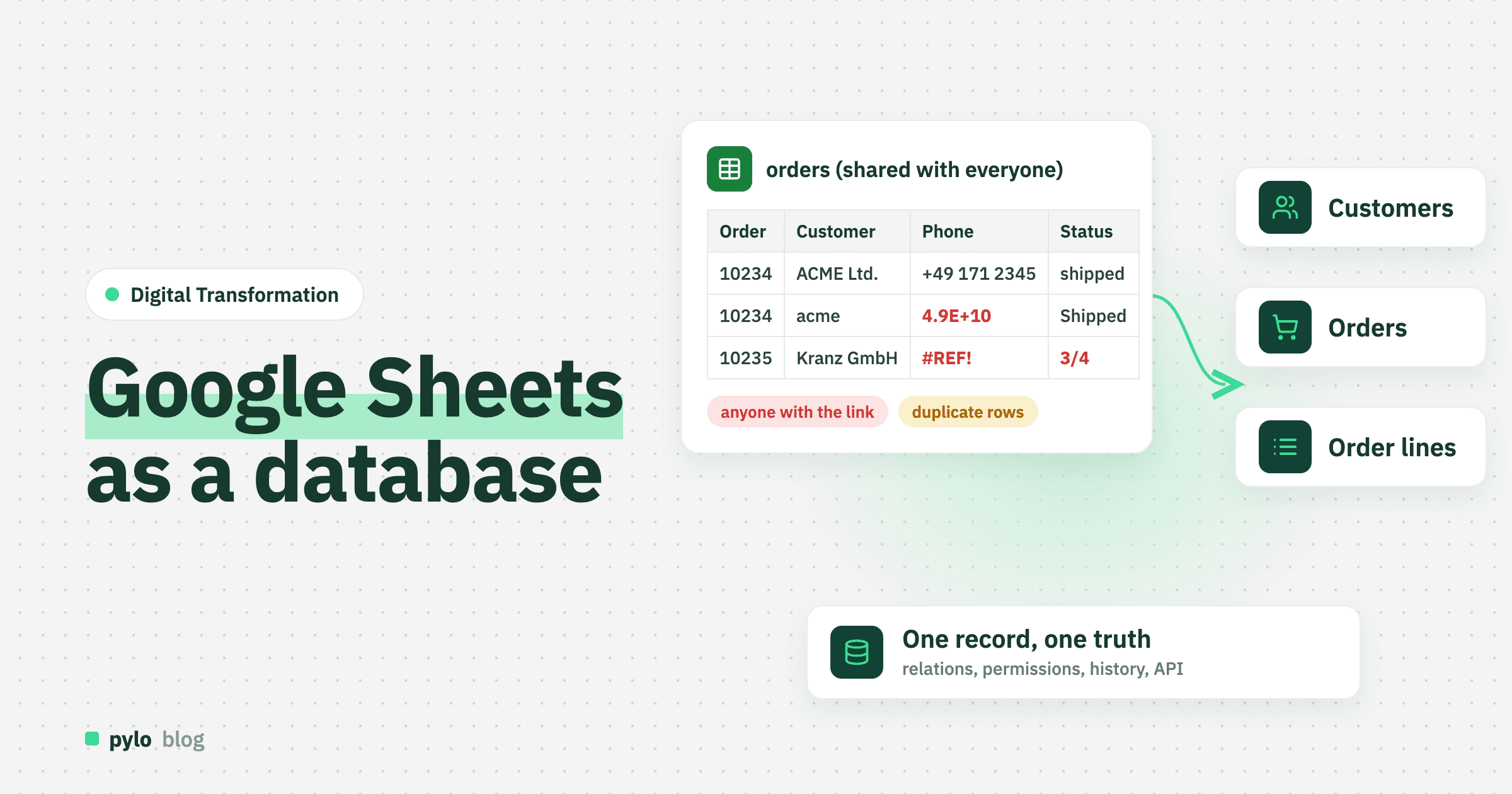
Digital Transformation
Google Sheets as a database: where it breaks and how to switch
Google Sheets works as a database until several people, an app or a few rules depend on it. How to set up Google Sheets as a database properly, what happens when you use it as a backend through the API or Apps Script, the signs you have outgrown it, and how to move to a real database in five steps.
Read