
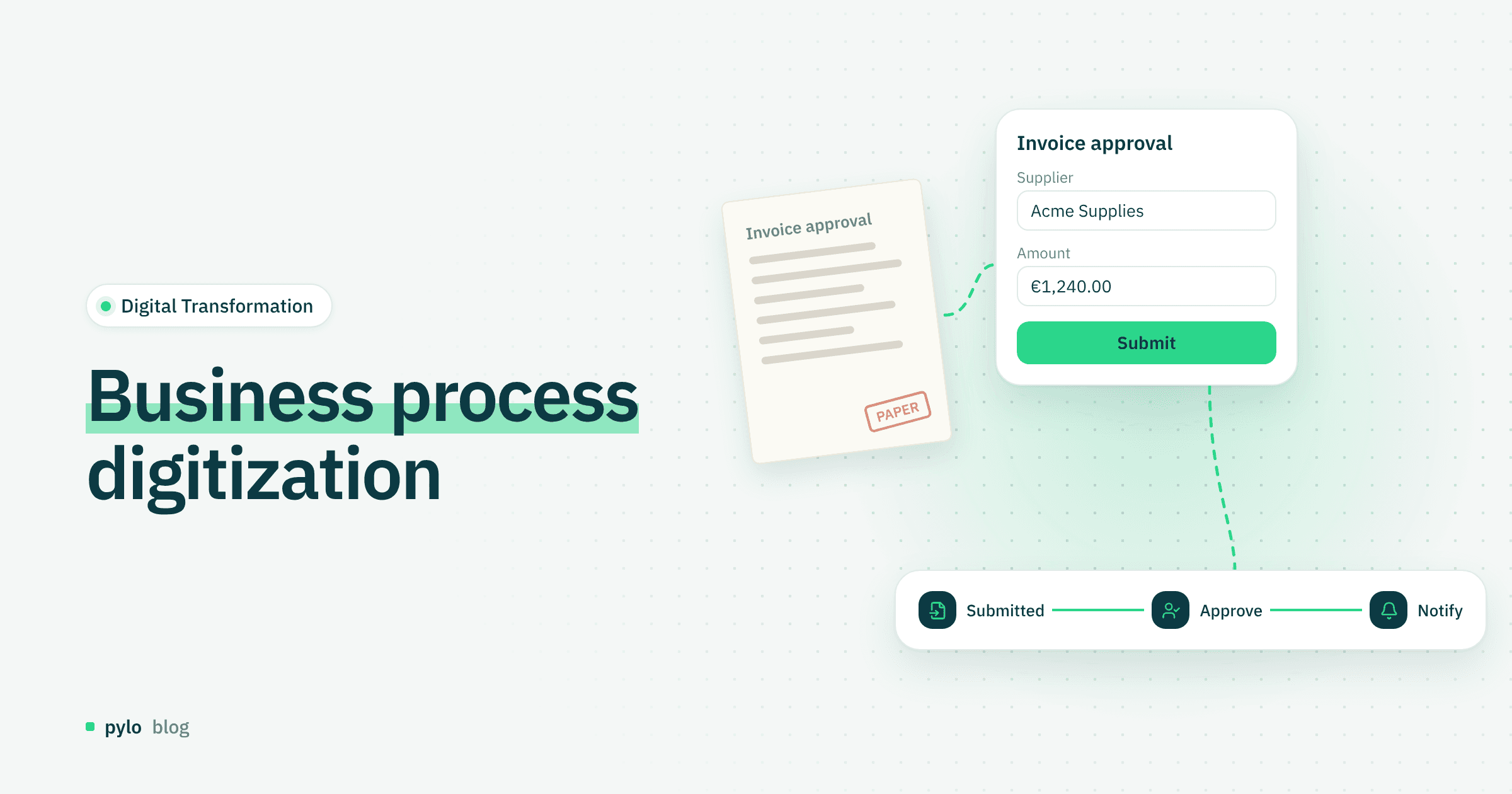
Business process digitization is one of the strongest levers a company has for efficiency, scalability and competitiveness. More and more companies use business process software to automate workflows, reduce errors and free up their people for work that creates value. But why does it matter so much to digitize business processes, which processes are a good fit, and how should you approach it strategically? This post gives you answers, best practices and a clear step-by-step guide.
Why digitize business processes?
Companies that digitize their business processes gain a number of strategic advantages:
1. Efficiency and automation
Daily or repetitive tasks are easy to automate, for example with suitable business process software. Companies save time and cut manual errors sharply.
In pylo, Flows handle this kind of business process automation: a workflow starts when a record changes, on a schedule or from a webhook, and runs the follow-up steps without anyone copying data by hand.
2. Transparency and real-time data
Digital processes produce a reliable base of real-time data. You can put this data on dashboards and into reports and analyze it without much manual effort. Decisions get made faster and on clearer data.
3. Scalability
Once processes are digital, they can grow with the company without administrative work exploding.
4. Competitive advantage
Shorter lead times, better customer experiences and smoother internal collaboration put you ahead of competitors.
5. Lower costs
Digital processes cut paper use and manual steps considerably. The result is more efficient workflows that can lead to significant savings over time.
Which business processes are easy to digitize?
In principle, almost every process can be digitized. Some groups are a particularly good fit, for example:
1. Administrative processes
Invoicing and accounting
HR administration, such as time tracking and vacation
Contract management
2. Marketing and sales
Lead generation and nurturing
Email marketing automation
CRM-based customer data management
3. Customer service
Ticket systems
Chatbots
Automated appointment scheduling
4. Logistics and purchasing
Ordering processes
Inventory management
Supply chain monitoring
5. Project management
Task management
Resource planning
Progress tracking
In short, process digitization makes the most sense for recurring tasks and for workflows that depend heavily on data.
Many of these processes start with someone filling in a paper form or an email template. With pylo forms, a vacation request, an order or a support ticket writes straight into your data model, so the data is structured from the first entry.
How to digitize business processes: the right strategy
Good planning and a clear strategy are among the most important steps for successful process digitization. Here is a short guide on how to digitize your business processes:
1. Current-state analysis
Look closely at which processes are running today and where bottlenecks or sources of error keep showing up.
2. Define goals
Decide clearly what you want to achieve by digitizing the process. Is the focus on faster workflows? Should costs come down efficiently and for the long term? Should customer service improve? Without clear goals, any digitization becomes a project left to chance.
3. Prioritize
Besides fixed goals, you also need priorities. That means you do not digitize everything at once but agree on a clear order. A good starting point is processes that run often and take a lot of time.
4. Choose the right software
Look at the process you want to digitize and choose tools that fit it. Useful types of software include:
ERP systems
CRM systems
Workflow management tools
Business process automation platforms, e.g. RPA
For more complex processes, you should also ask whether a custom solution fits better than existing off-the-shelf software. This is the classic build vs. buy decision.
5. Work with an agency or digitization partner
Small and mid-sized companies in particular can benefit from outside expertise, for example in:
Process analysis
Software selection
Implementation
Training
A specialized agency usually spots room for improvement much faster and makes sure the solution fits the company and is implemented smoothly.
6. Involve your employees
Another key factor is open communication with employees. They are the ones who use the software every day. Building acceptance gives you a solid base for a smooth rollout.
Examples from practice
Example 1: Digital invoice management
A trades business replaced its paper-based invoicing with a digital tool.
Result: 70% less processing time, automatic payment reminders, fewer errors.
Example 2: Automated lead nurturing in sales
A B2B company introduced a CRM with marketing automation.
Result: 30% more qualified leads and clear traceability.
Example 3: HR digitization
A mid-sized company, what Germans call the Mittelstand, introduced a digital HR platform.
Result: Vacation, time tracking, contracts and onboarding run faster and without paper.
Opportunities and benefits, plus a few drawbacks
Benefits
Less administrative burden
Faster workflows
Higher customer satisfaction
Lower error rate
Higher employee satisfaction
Better data for decisions
Drawbacks
Upfront investment in software and consulting
Change management required
Training effort
These drawbacks are usually short-term. The benefits are much stronger in the long run.
Step-by-step guide to business process digitization
Identify processes
Which workflows cost time or cause errors?Document the current state
How does the process run today? Who is involved?Set goals
What should get better?Optimize processes before you digitize them
Do not digitize bad processes. Simplify them first.Choose software
It should fit your company size, requirements and budget.Start a pilot project
Digitize one process first, then scale. If that process lives in spreadsheets today, a CSV or JSON import moves the existing data into the new system so the pilot starts with real records.Train employees
For acceptance and efficient use.Measure results
Define KPIs and track progress.Scale
Digitize more processes and keep improving them.
Conclusion
Companies that want to stay fit for the future cannot avoid business process digitization. With a clear focus and the right strategy, they can reach their goals, cut costs and work faster. Whether it is a small improvement or a full process digitization, a structured approach leads to success. Start by analyzing your existing workflows, build a clear digitization strategy, then select, implement and integrate the business process software that fits.
If you want to build that software yourself, pylo gives you a custom data model with forms, workflows and data import in one backend, so a process can move from spreadsheets and email into a system your team uses.
Keep reading
Digital Transformation
What is SaaS? Software as a service: meaning, pros and examples
SaaS changes how companies use software: instead of installing programs, you use applications directly from the cloud. This post explains what SaaS means and what it offers companies.
Read
AI & Agents
What is vibe coding? Definition, workflow and tools
Vibe coding changes how software gets built: you describe an idea and AI turns it into an application. Here is what vibe coding is, which tools exist, how the workflow looks, and what it means for developers and non-developers.
Read