
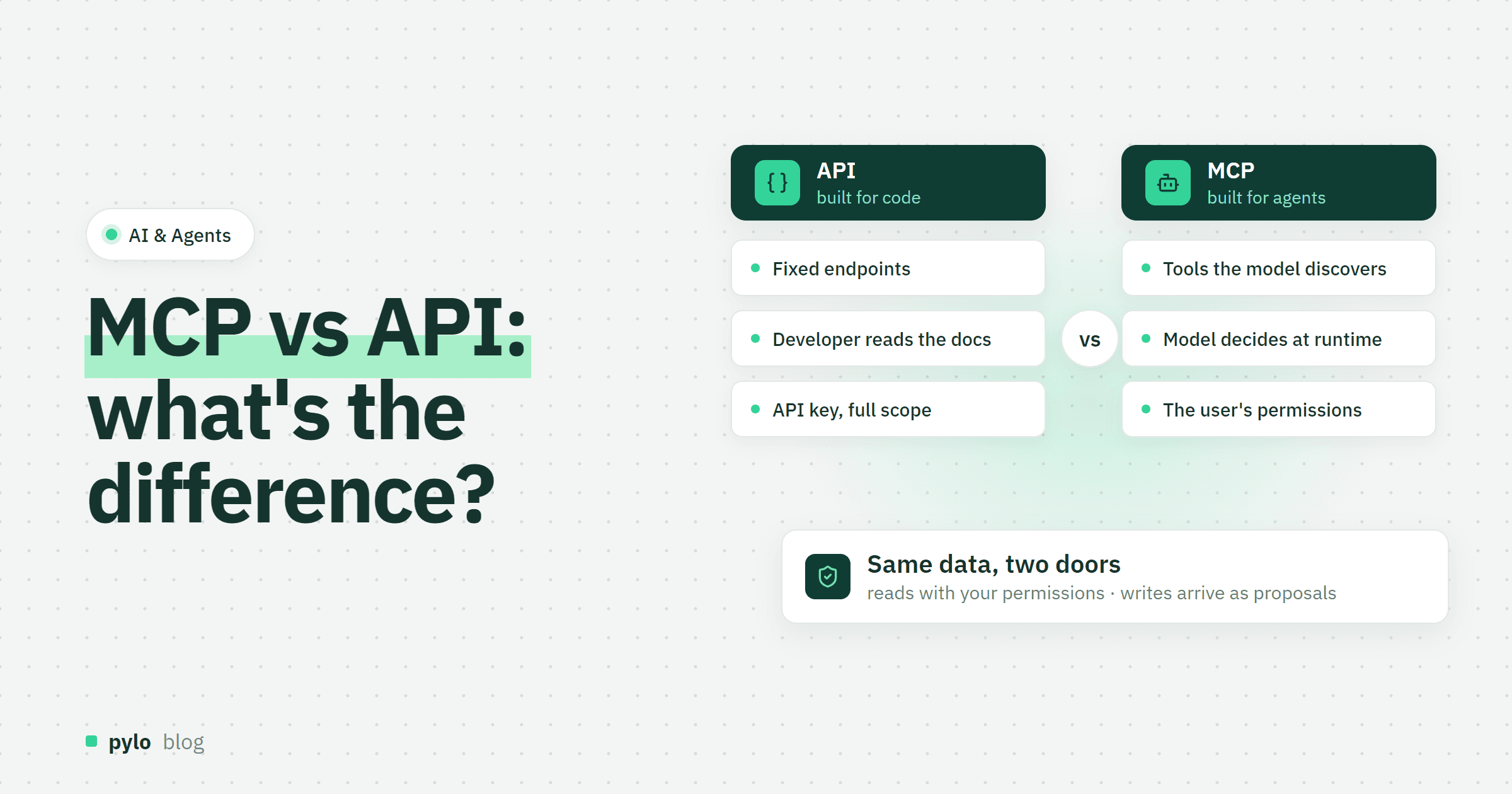
Anyone who connects an AI assistant to company data runs into the same question: we already have an API, so why do we need MCP? The short answer: an API is built for code that a developer writes in advance, MCP is built for a model that decides what to call while it works. This post explains MCP vs API in plain terms, where the two overlap, what changes for security and when your agent needs which.
What is an API?
An API, application programming interface, is a fixed contract between two programs. A REST API has endpoints such as GET /orders/123, a GraphQL API has a schema you query. The developer reads the documentation, writes the call, handles the response and ships that code. Every call is decided before the program runs. Authentication is usually an API key or a token, and that key carries a scope that the developer chose once.
APIs are the backbone of every integration: your shop talks to your warehouse through one, your frontend talks to your backend through one. They are predictable, fast and testable, which is exactly what you want when nothing should surprise you.
What is MCP?
MCP, the Model Context Protocol, is an open standard for connecting AI models to tools and data. An MCP server publishes a list of tools with a name, a description in plain language and a schema for the inputs. An MCP client, for example Claude, ChatGPT, Cursor or VS Code, hands that list to the model. The model reads the descriptions, picks a tool, fills in the arguments and gets the result back as context for its next step.
The difference to an API sits in one word: discovery. Nobody writes the call in advance. The model finds out at runtime what it can do and decides what to use. We explain the server side in more depth in what is an MCP server.
MCP vs API: the key differences
API | MCP | |
Who calls it | Code a developer wrote | An AI agent inside a client app |
How it is discovered | Documentation, OpenAPI or a GraphQL schema, read by a person | The server lists its tools and descriptions, read by the model at runtime |
Who decides what to call | The developer, before the program runs | The model, during the conversation |
Contract | Endpoints, parameters, status codes | Tools, resources and prompts with JSON schemas and plain-language descriptions |
Transport | HTTP, usually JSON | JSON-RPC over standard input/output or HTTP |
Authentication | API key or token with a scope the developer set | Depends on the server; the good ones act as the connected user, with that user's permissions |
Error handling | Your code handles it | The model reads the error text and tries something else |
Best for | Fixed integrations, frontends, batch jobs | Questions and tasks nobody scripted in advance |
Where they overlap: most MCP servers wrap an API
MCP does not replace the API underneath. In almost every real setup, the MCP server is a thin layer that turns API calls into tools. A tool called list_open_orders still runs a query against the same backend your frontend uses. What MCP adds is the description the model reads, the schema it fills in and a standard way for any client to connect without custom code per app.
That is also why the quality of an MCP server depends on the quality of the API behind it. If the API has no permission model, the MCP server cannot invent one.
Does MCP replace APIs?
No, your shop will keep calling your warehouse through an API, because that integration should never improvise. MCP covers a different situation: a person asks a question in plain language, and the answer needs data from two or three systems that nobody connected for exactly this question. Writing a new endpoint for every such question does not scale, while letting a model pick from well-described tools does.
Security: MCP is not API security
This is the part most comparisons skip. With an API, a developer decides once which calls exist and which key they use. With MCP, the model decides at runtime, and its input includes whatever text it has read: emails, tickets, web pages, documents. If any of that text contains instructions, the model may follow them. This is called prompt injection, and it turns an over-scoped MCP connection into a problem.
Four rules keep an MCP connection safe for business data:
Connect as a user, not as an admin. The model should get exactly the read permissions of the person who connected it, nothing more. A full-scope API key behind an MCP server is the most common mistake.
Separate reads from writes. Reading data is low risk. Changing data on the say-so of a model is not.
Put a human in front of writes. Let the model propose a change and let a person approve or decline it. pylo works this way: an agent reads through the MCP server with the connected user's permissions, and every write arrives as a proposal that someone accepts in pylo.
Log every call. You want to know which tool was called with which arguments and what came back, for debugging and for audits.
When to use an API, when MCP, when both
API only. System-to-system integrations, frontends, scheduled jobs, anything that must behave the same way every time.
MCP only. Early experiments where a person chats with an assistant about data and nothing is written back.
Both. An agent in production. The API carries the data with proper permissions, the MCP server exposes a curated set of tools, and writes go through approval. This is the setup most companies end up with.
Example: one question, two routes
A sales manager wants to know which orders from last week are still unpaid and who the contact is. Through the API, a developer writes a query that joins orders, invoices and contacts, deploys it and adds a button somewhere. Through MCP, the manager asks the question in the chat client. The model lists the available entities, reads the fields of orders and invoices, runs a filtered query and answers with the names. If the manager then says "remind them", a well-built server does not send emails on its own. It creates a proposal for the reminder flow that the manager confirms.
Both routes end at the same data. The API route is right when the question comes every Monday. The MCP route is right when the question is new.
How to turn an API into an MCP server
Pick the handful of operations a model should be able to do. Fewer, well-described tools beat a dump of every endpoint.
Write descriptions for a reader who has never seen your system. The model only knows what the description says.
Define input schemas with examples and allowed values. Enum values the model has to guess lead to failed calls.
Authenticate as the connected user and reuse the API's permission checks.
Route writes through an approval step instead of applying them directly.
Return errors as readable text. The model will read it and correct the call.
If your backend already generates its API from a data model, most of this comes for free: the entity list, the field descriptions and the permission rules are the tool descriptions. That is how pylo's MCP server works: it exposes the same entities and permissions as the GraphQL API, and the docs show how to connect Claude, ChatGPT, Cursor or any other client.
Conclusion
An API is a fixed contract for code. MCP is a discovery layer for models. One is not better than the other, they answer different questions: "what should this program do?" versus "what can this model do right now?". In production you need both, with one permission model underneath and a human in front of every write.
If you want agents to work with your business data, pylo gives you a typed GraphQL API and an MCP server on the same entities, with reads limited to the connected user and writes as proposals. Our guide on how to build an AI agent covers the agent side.
Keep reading
AI & Agents
What is vibe coding? Definition, workflow and tools
Vibe coding changes how software gets built: you describe an idea and AI turns it into an application. Here is what vibe coding is, which tools exist, how the workflow looks, and what it means for developers and non-developers.
Read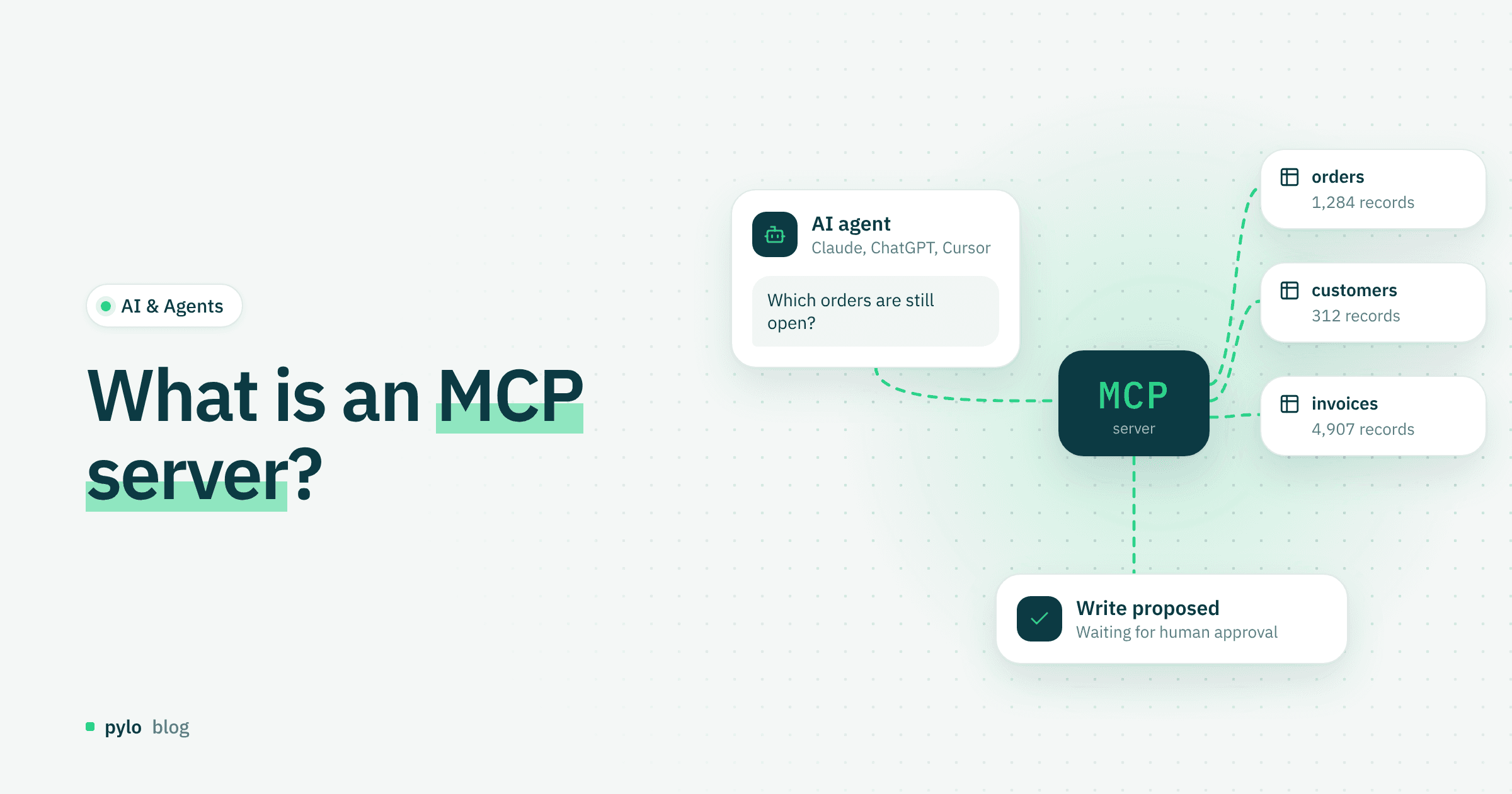
AI & Agents
What is an MCP server? Definition, how it works and why it matters
What MCP is, how an MCP server works and why it is becoming a key technology for connecting AI to company systems securely and efficiently.
Read