
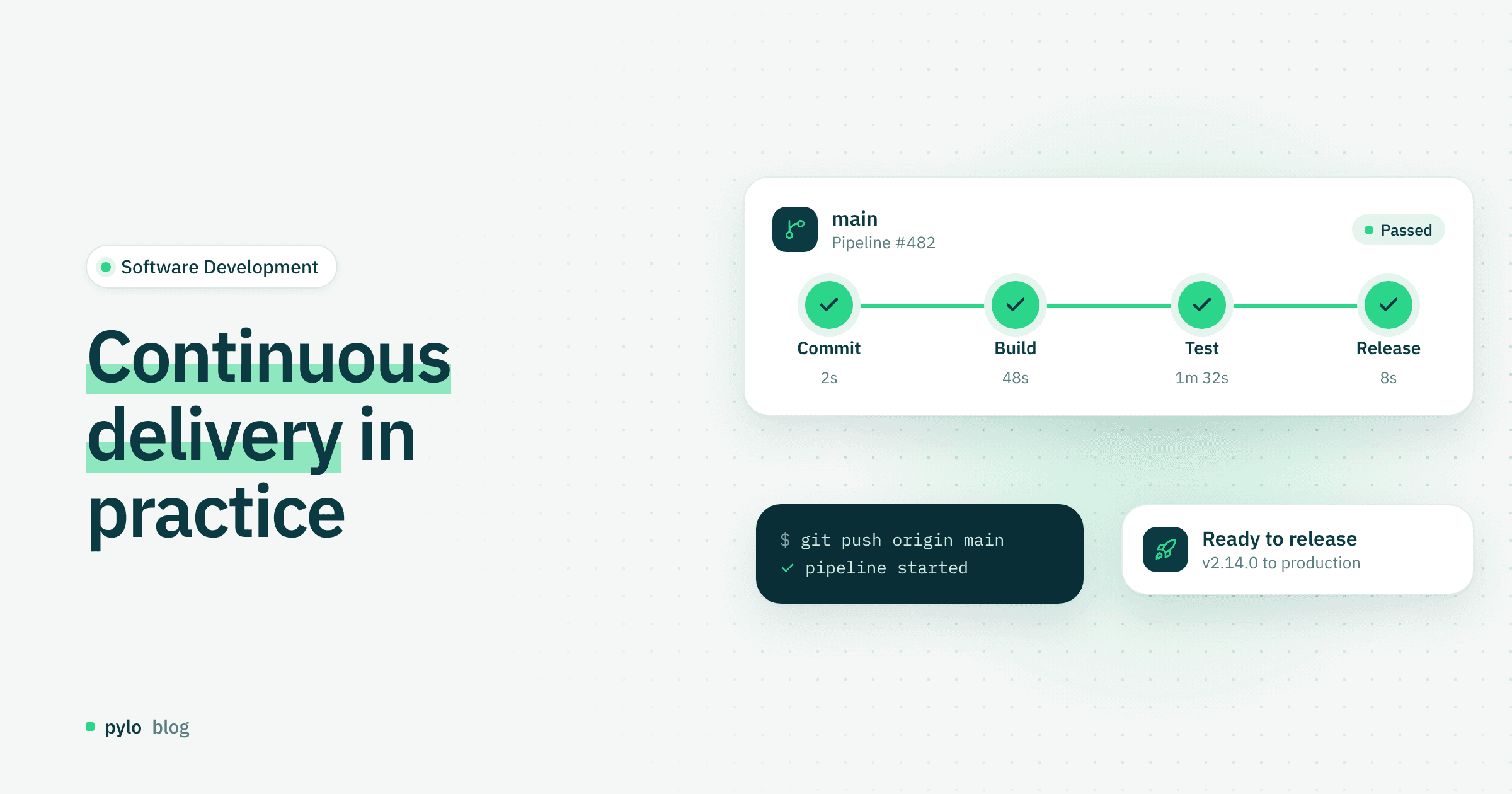
Faster, better, automated: continuous delivery changes how quickly and how reliably software moves from a commit to production. This post explains what continuous delivery is, what to watch out for, and how it differs from continuous deployment, a term that is often used as a synonym.
What is continuous delivery?
Continuous delivery is an approach widely used in software development. At its core is the automation of how code is built, tested and released, so software can ship faster and with as little manual effort as possible.
Automation improves the whole development cycle and is meant to eliminate manual errors. Besides building the code, the pipeline also tests it automatically, which keeps quality consistent and high. The process runs faster and stays stable across many stages.
Continuous delivery vs continuous deployment
The main difference is the degree of automation. Continuous delivery aims to keep the software in a state where it could in principle go live at any moment. With continuous deployment, every change goes live automatically.
In more detail: with continuous delivery, code changes are tested automatically for possible sources of error. The approved version is then pushed automatically to an artifact repository or a staging environment. From there, the responsible team or developer approves the production release by hand.
With continuous deployment, changes are also built and tested automatically. If all automated checks pass, however, the changes roll out to production directly, without manual approval. Every successful commit can reach end users automatically.
The benefits of continuous delivery
Automation noticeably shortens time to market
Teams can react to feedback faster and more flexibly
The risk of a major outage drops, because only small updates are made and released
Automation allows stable, continuous testing, which sharply reduces the rate of manual errors
Successful automation cuts costs
Scaling is easier as the project's requirements on the software grow
Challenges of continuous delivery
There are also challenges, especially in setting up and maintaining a continuous delivery environment.
Teams used to traditional workflows may be slow to accept the approach. Remove the obstacles deliberately and train the team.
Building a continuous delivery pipeline means planning and implementing build, test and deployment processes and choosing suitable automation tools.
In legacy systems, missing modularity, tight dependencies and low test coverage can make continuous delivery much harder to introduce.
In some cases, costly and time-consuming technical changes are needed before the system is automated and deployable enough for continuous delivery to work.
Continuous delivery best practices
These best practices have proven themselves when introducing continuous delivery:
Validate new features and process changes consistently and critically before the final release, ideally to eliminate downtime.
Give the delivery pipeline a clear structure so releases stay consistent.
Standardize environments with container technologies such as Docker or with infrastructure as code.
Introduce it step by step in existing systems to reduce technical and organizational risk.
Monitor applications continuously after each deployment.
Validation gets cheaper when errors surface at build time instead of in production. With pylo, the SDKs are typed and the types are generated from your schema, so a breaking change to the data model fails the build in your pipeline before it reaches staging. See type safety in pylo.
Continuous delivery tools
These popular tools help you build and run a stable continuous delivery pipeline.
GitHub Actions
A common choice: GitHub Actions is built into GitHub, so it suits projects that already use GitHub for version control. Workflows are defined in YAML files and run automatically when the code changes.
GitLab CI/CD
Many features in one place: GitLab CI/CD is built into GitLab and part of a full DevOps platform. Besides continuous delivery, GitLab offers version control, security scanning, container registries and deployment management.
Jenkins
A true classic: Jenkins is open source, highly customizable and has a very large plugin ecosystem. That makes it a good fit for complex enterprise environments and custom requirements.
Pipelines do not have to start only on a commit. All three tools can be triggered over HTTP, so a pylo webhook can kick off a build or a deployment when data or configuration in your backend changes.
Conclusion
Continuous delivery is an established part of modern DevOps practice and the basis for efficient software delivery in many companies. Automating build, test and release processes catches errors early and keeps software quality in check on every change. At the same time, introducing continuous delivery takes real organizational and technical effort.
If your backend runs on pylo, typed SDKs and webhooks fit into the pipeline you already have, whichever of the tools above you use.
Keep reading
Software Development
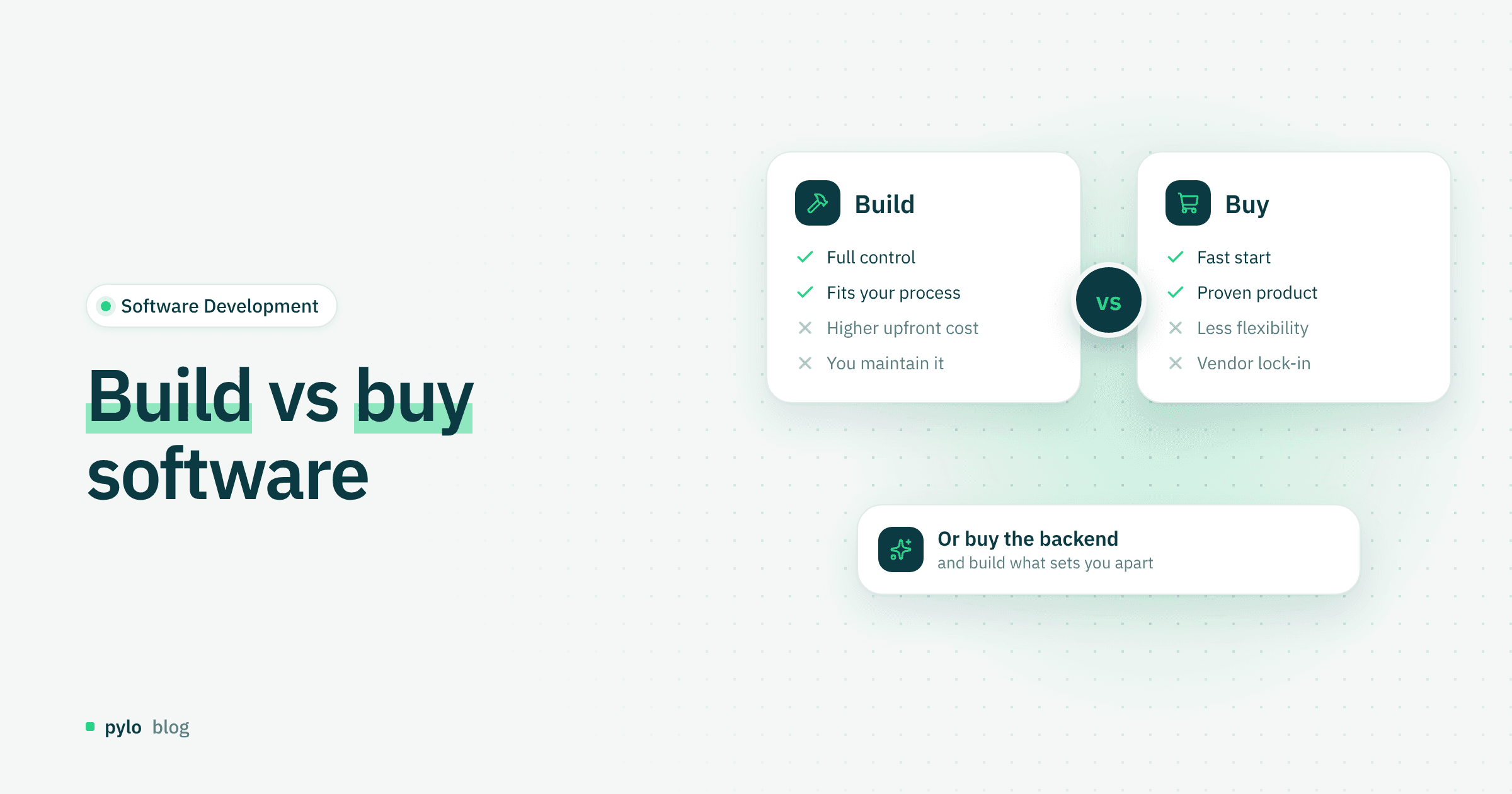
Build vs buy software: how to make the right decision
Build or buy? Companies often have to decide whether to develop software themselves or purchase a finished solution. Learn when building is the better choice and when buying makes more strategic sense.
Read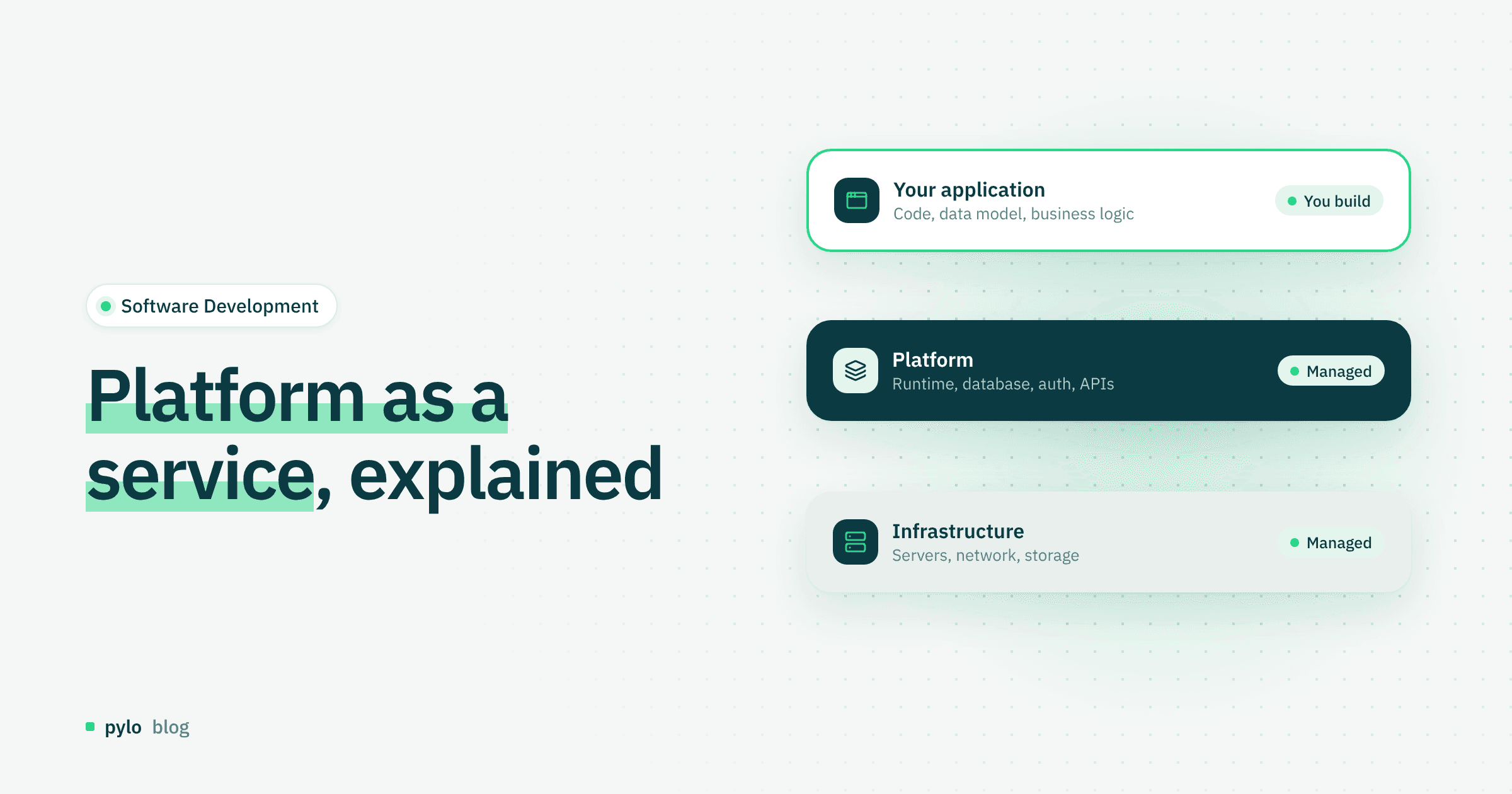
Software Development
Platform as a service (PaaS) explained: how it works and benefits
What is platform as a service, and how does it make development simpler and faster? Here is how PaaS works and what it takes off your plate.
Read