
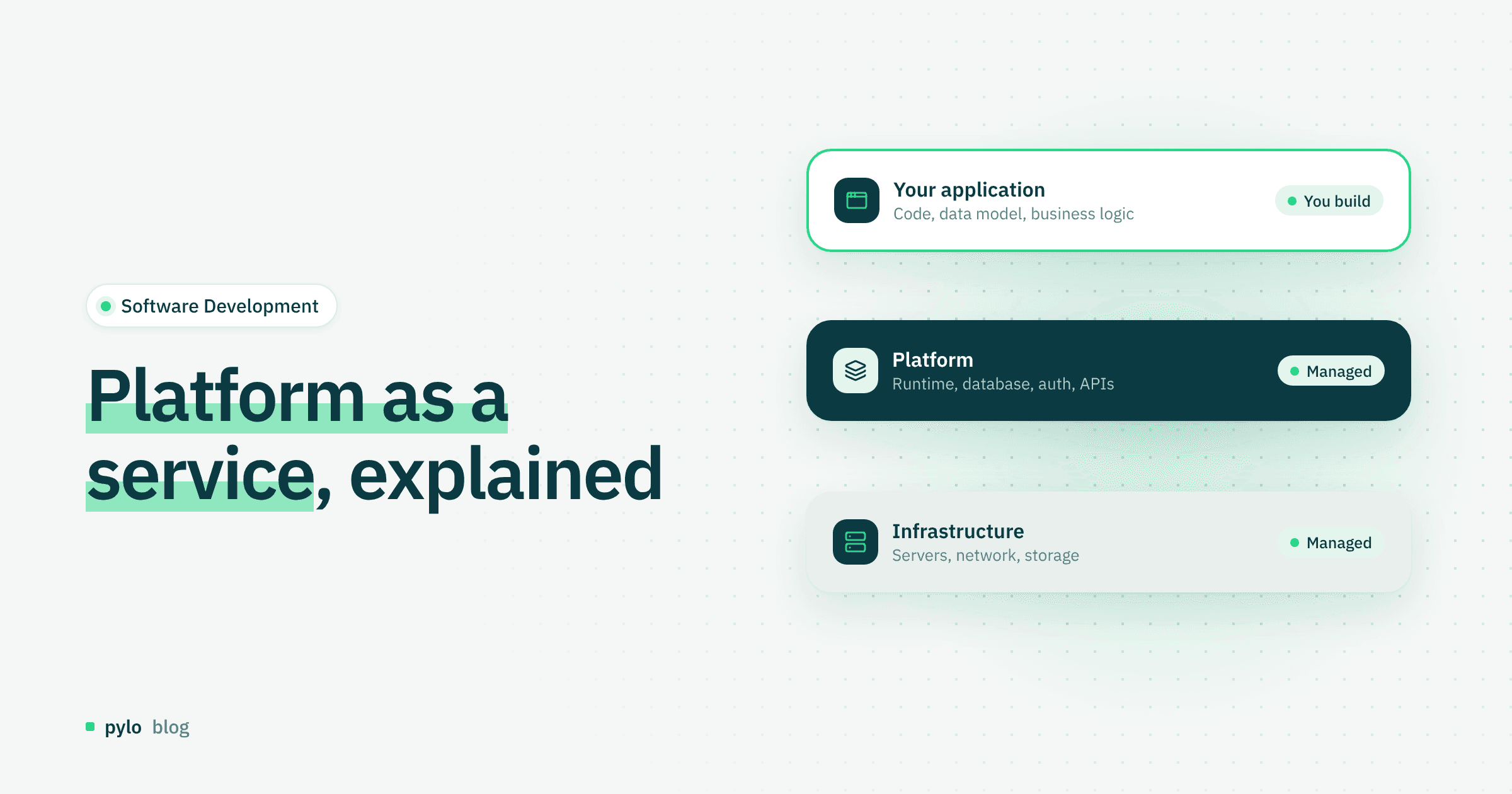
Building applications puts developers in front of many problems. Besides writing code and testing what they build, they also have to deal with infrastructure. This is where platform as a service (PaaS) comes in. In this post we explain which tasks PaaS tools take off developers' hands and what benefits follow from that.
Definition: what is platform as a service (PaaS)?
Platform as a service (PaaS for short) is a cloud service model in which a cloud platform provides the technical foundation for developing, deploying and managing applications over the internet. Developers no longer have to build the underlying infrastructure themselves.
PaaS is a common alternative to provisioning and managing your own technical infrastructure, for example software updates. Typical use cases are web applications, mobile apps and APIs.
How does PaaS work?
The idea is simple: the PaaS provider gives developers a ready-made environment. The provider sets up the servers and configures the networks, tools, databases and storage. The provider also handles security and maintenance of the infrastructure. Depending on the tool, the package can also include authentication, fine-grained permissions and encryption.
Developers use the provided APIs or SDKs to focus on their own code and do not have to think about maintaining hardware. They can test and release that code directly in the PaaS environment.
A Backend-as-a-Service is a close cousin of PaaS that goes one step further. With pylo, for example, you define your data models and get a GraphQL API, typesafe SDKs, authentication, file storage and workflows without running any infrastructure yourself.
Benefits of platform as a service
Faster development: PaaS tools and their building blocks let developers cut the time they spend programming.
Lower costs: Companies do not have to buy and maintain their own hardware, which often lowers costs for the long term.
Easy scaling: With PaaS tools, applications can usually be extended without trouble.
Automatic maintenance: The PaaS provider handles most security updates and platform maintenance.
Easy collaboration: Because a PaaS runs in the cloud, developers can work on projects together. The development tools and resources they need are provided centrally through the cloud.
SaaS vs. PaaS: the difference
SaaS and PaaS differ by only one word, but they describe two different approaches:
Feature | SaaS (software as a service) | PaaS (platform as a service) |
|---|---|---|
Meaning | Finished software is delivered over the internet. | A development platform is delivered over the internet. |
Audience | Usually end users | Mainly developers and development teams |
Use | Use the software directly | Build and deploy your own applications |
Example | A company uses Microsoft 365 for email and documents. | A developer builds a custom web application on a PaaS platform. |
Installation | No installation needed | No own infrastructure needed |
Maintenance | Provider handles maintenance and updates | Provider handles infrastructure, updates and platform maintenance |
SaaS suits users who want to use finished applications directly, without dealing with installation and maintenance.
PaaS is mainly for developers who want to build and deploy their own applications.
Conclusion
With PaaS tools, developers can hand off many infrastructure tasks and spend more time building and improving their applications. Automated processes, flexible resources and simpler deployment make it faster and more reliable to build and run applications. For companies, PaaS is a practical way to streamline development and reduce the work of managing the underlying infrastructure.
If you want to skip the backend work as well, pylo gives you data models, APIs, auth and workflows as a managed service, made in Germany.
Keep reading
Software Development
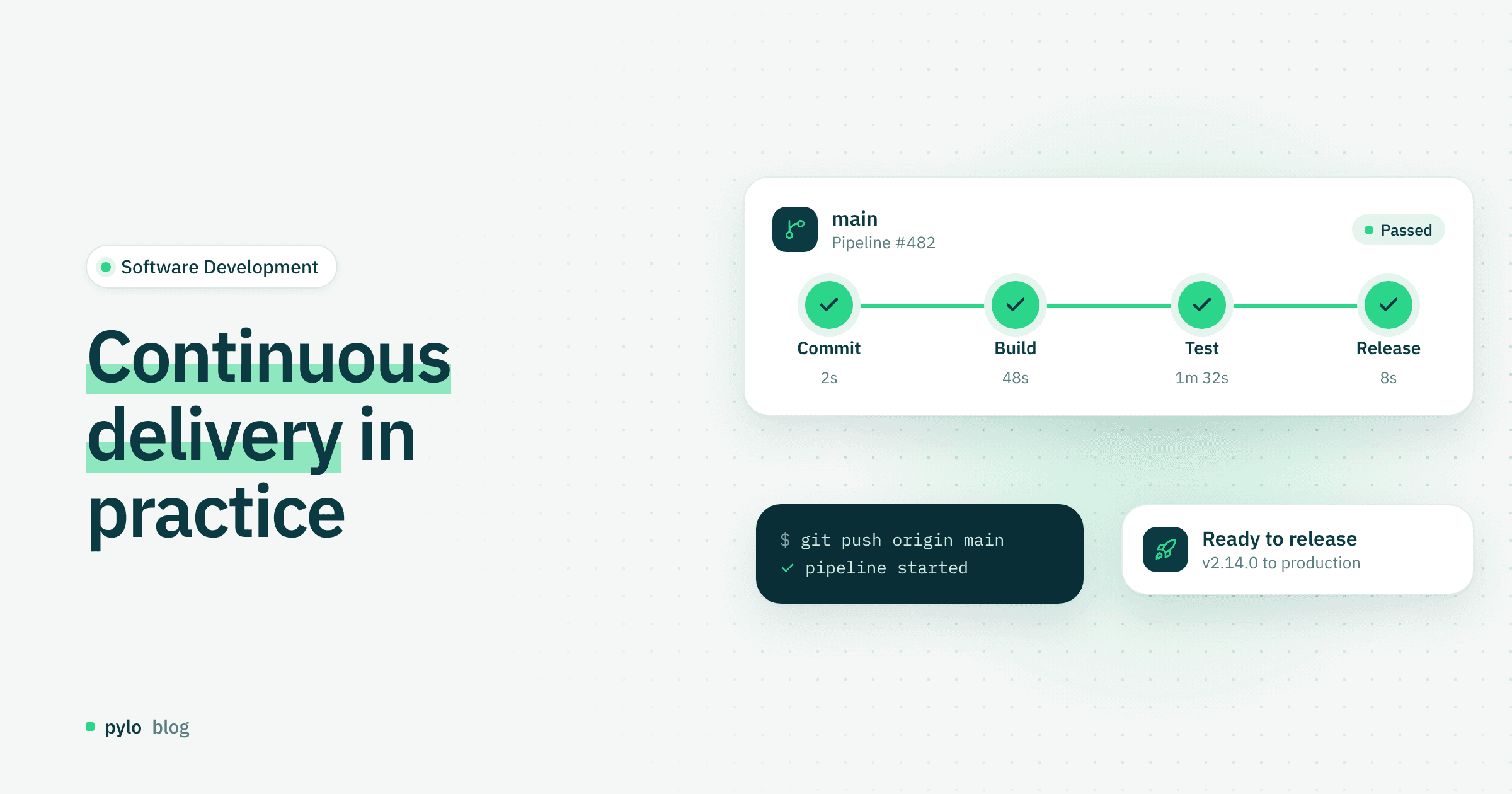
Continuous delivery: definition, best practices and tools
What is continuous delivery, and why does it matter for modern software development?
Read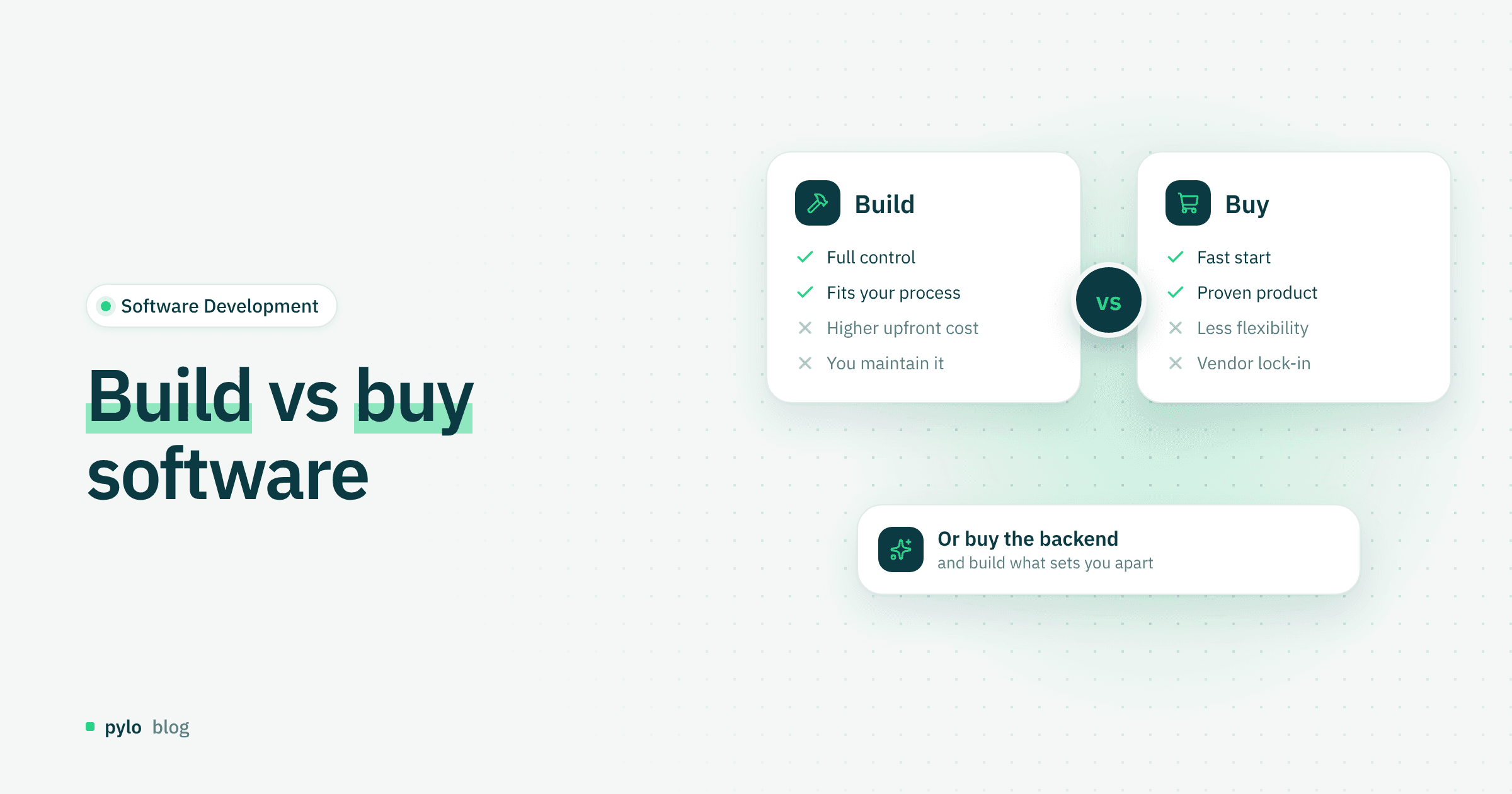
Software Development
Build vs buy software: how to make the right decision
Build or buy? Companies often have to decide whether to develop software themselves or purchase a finished solution. Learn when building is the better choice and when buying makes more strategic sense.
Read